EasyManua.ls Logo

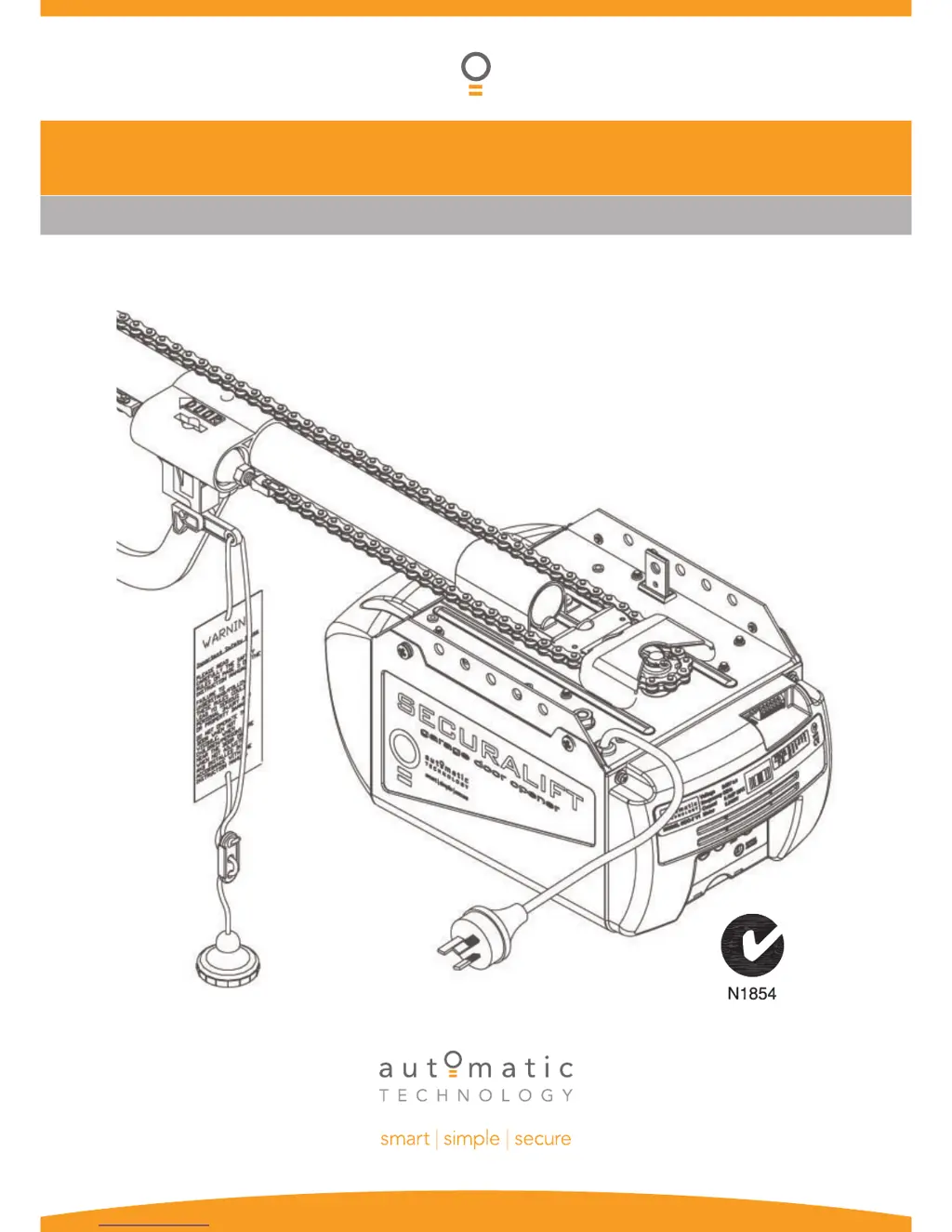
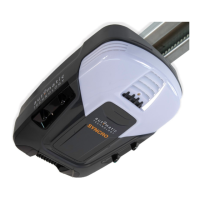
Automatic Technology SecuraLift GDO-7V1 - User Manual

Automatic Technology SecuraLift GDO-7V1
34 pages
Print Icon
To Next Page IconTo Next Page
Loading...
GDO-7V1 SecuraLift
®
Overhead Garage Door Opener
INSTALLATION INSTRUCTIONS | OWNERS COPY

Questions and Answers

  • E
    Ernest WelchJul 31, 2025
    What to do if Automatic Technology SecuraLift GDO-7V1 auto close is not working?
    • K
      Kelsey StoneJul 31, 2025
      If the auto-close feature on your Automatic Technology Garage Door Opener isn't working, check the following: * The PE Beam or its wiring might be faulty. Repair the PE Beam or replace the wiring. * The PE Beam might not be aligned correctly. Try to realign the optics. * There might be an obstruction in the path of the PE Beam. Remove any obstructions. * The door may be obstructed when closing. Remove any obstructions. * The auto close time may not be set. * The auto close mode may not be set.
  • J
    Jennifer LeeAug 5, 2025
    Why Automatic Technology SecuraLift GDO-7V1 won't operate?
    • S
      Stacy CuevasAug 5, 2025
      There are several reasons why your Automatic Technology Garage Door Opener might not be working: * The mains power might not be switched on, so ensure the power is on. * There might be an obstruction in the door's path; remove any obstructions. * The door could be locked, or the motor could be jammed; try unlocking the door or removing the jam. * The opener may be in 'vacation mode'; turn off 'vacation mode' to restore normal operation. * If the door tracks or hardware are damaged, a qualified technician will need to service or repair the door.
  • A
    anthonywilsonAug 10, 2025
    What to do if Automatic Technology SecuraLift GDO-7V1 Garage Door Opener starts closing but reverses?
    • A
      Ashley MillerAug 10, 2025
      If your Automatic Technology Garage Door Opener starts to close but then reverses, it could be due to: * Adverse weather conditions, such as wind or cold, which can cause the door to stiffen. Try increasing the force margin setting. * An obstruction in the doorway. Make sure to remove any obstructions.
  • H
    hmoranAug 15, 2025
    Why Automatic Technology SecuraLift GDO-7V1 operates from the button but not the transmitter?
    • R
      robert67Aug 15, 2025
      If your Automatic Technology Garage Door Opener works with the button but not the transmitter, consider these possibilities: * The transmitter code may not be stored in the memory. You need to code the transmitter into the opener's memory. * The transmitter battery might be flat. Replace the battery with an A23 Alkaline 12V battery. * There might be a broken battery lead inside the transmitter. In this case, send the transmitter to installer or ATA for repair.
  • A
    Andrea HarperAug 20, 2025
    Why does the courtesy light not work on my Automatic Technology SecuraLift GDO-7V1?
    • T
      Terry QuinnAug 20, 2025
      If the courtesy light on your Automatic Technology Garage Door Opener isn't working, the globe may be down. Replace the globe with an Edison type 240V 60W.
  • C
    Cheryl PetersonAug 26, 2025
    Why does the globe keep blowing in Automatic Technology SecuraLift GDO-7V1?
    • D
      Dale WagnerAug 26, 2025
      If the globe in your Automatic Technology Garage Door Opener keeps blowing, it's likely due to an incorrect globe voltage. Ensure that you are using a 240V AC globe and replace it with an Edison type 240V 60W.

Summary

Important Safety Instructions

Operating Controls

Tube;Pipe Assembly

Mounting on Track Type Door

Support Pipe and Drive Unit Mounting

Details attaching the support pipe and the first method for mounting the main drive unit.

Mounting Using Anti-Vibration Brackets

Drive Unit Mounting Method Two

Explains the alternative method for mounting the drive unit utilizing anti-vibration brackets.

Mounting on Spring Loaded Door

Wall Bracket Height and Attachment

Details determining the correct wall bracket height and securing it to the header wall.

Mounting Door Bracket and Arms

Setting Travel Limits

Method One: Control Panel Limits

Step-by-step guide to setting door travel limits using the opener's control panel.

Method Two: Transmitter Limits

Step-by-step guide to setting door travel limits using a remote transmitter.

Setting Safety Obstruction Force

Safety Obstruction Testing

Procedures for testing the door's safety mechanism that detects obstructions during operation.

Adjusting Force Pressure

Guides on increasing, decreasing, or recalling factory default settings for obstruction force.

Coding Transmitters

Storing Transmitter Codes

Instructions for programming transmitter buttons for door operation, courtesy light, pet mode, and vacation mode.

Remote Transmitter Storage

Method for storing transmitter codes without direct access to the opener's control panel.

Deleting Transmitter Codes

Procedures for removing specific or all stored transmitter codes from the opener's memory.

Photo Electric Beam and Auto Close

Photo Electric Beam Installation

Guidance on fitting the optional safety photo electric beam sensor for enhanced protection.

Final Set Up Procedures

Trouble Shooting Guide

Common Issues and Solutions

Lists symptoms, causes, and remedies for typical garage door opener problems.

Automatic Technology SecuraLift GDO-7V1 Specifications

General IconGeneral
ModelGDO-7V1
CategoryGarage Door Opener
ManufacturerAutomatic Technology
Operating Voltage24V DC
Motor TypeDC
Max Door Area16.5m²
Remote ControlYes
Remote Controls Included2
Safety FeaturesAuto Safety Reverse
SecurityCode Hopping Technology
Warranty2 years
TypeSectional Garage Door Opener
Input Voltage230-240V AC, 50Hz

Related product manuals