EasyManua.ls Logo

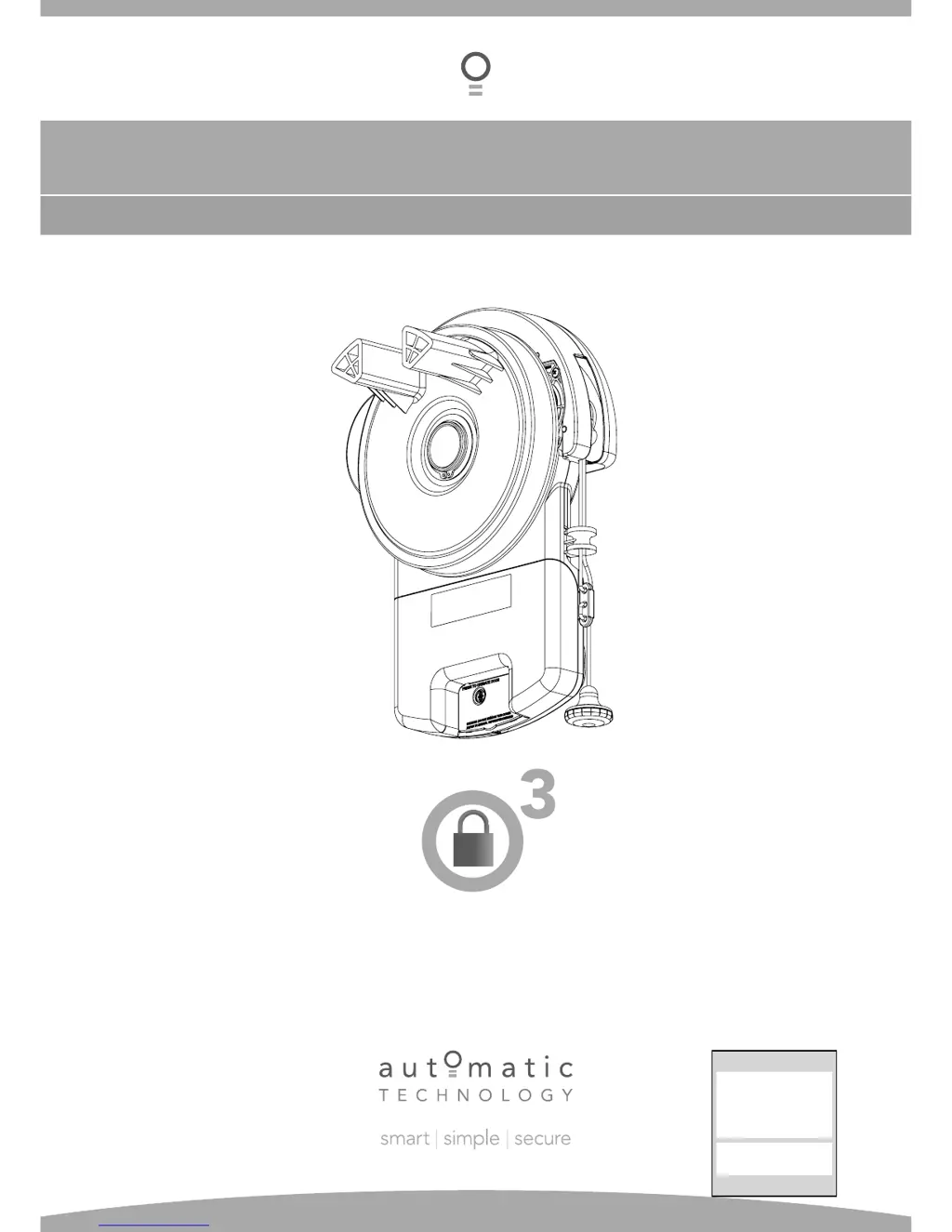
Automatic Technology GDO-6v4 EasyRoller - User Manual

Automatic Technology GDO-6v4 EasyRoller
36 pages
Print Icon
To Next Page IconTo Next Page
Loading...
GDO-6v4 EasyRoller
®
Roll Up Garage Door Opener
INSTALLATION INSTRUCTIONS | OWNERS COPY
Featuring TrioCode
Technology
Technical Document
Installation Manual
v
1.00
19 July 2012
English
Part # 13238 (Manual)

Questions and Answers

  • K
    Kiara JimenezAug 1, 2025
    What to do if my Automatic Technology GDO-6v4 EasyRoller won't operate?
    • R
      Ryan OsbornAug 2, 2025
      If your Automatic Technology Garage Door Opener isn't working, here are a few things to check: * Make sure the mains power is switched on. * Check for any obstructions blocking the door. * Ensure the door isn't locked or the motor isn't jammed; unlock the door or remove any jams. * Verify the opener is not in 'vacation mode'; if it is, turn it off.
  • R
    Robert DunnAug 9, 2025
    Why is the auto-close not working on my Automatic Technology GDO-6v4 EasyRoller Garage Door Opener?
    • N
      Nicholas BurkeAug 9, 2025
      If the auto-close feature isn't working on your Automatic Technology Garage Door Opener, consider the following: * Check the Safety Beam and wiring for faults; repair or replace as necessary. * Ensure the Safety Beam is correctly aligned; realign the optics if needed. * Remove any obstructions from the path of the Safety Beam. * Make sure there are no obstructions preventing the door from closing. Addressing these potential issues should restore the auto-close functionality.
  • N
    Nathan WhiteAug 16, 2025
    What to do if my Automatic Technology GDO-6v4 EasyRoller Garage Door Opener starts closing but reverses?
    • D
      donaldhughesAug 17, 2025
      If your Automatic Technology Garage Door Opener starts to close but then reverses to the open position, it could be due to: * Adverse weather conditions (wind or cold) causing the door to stiffen. In this case, increase the force margin setting. * An obstruction in the doorway. Remove any obstructions that may be present.
  • A
    Alexa RossAug 25, 2025
    Why does my Automatic Technology Garage Door Opener work with the button but not the transmitter?
    • T
      Tammy RosarioAug 25, 2025
      If your Automatic Technology Garage Door Opener operates from the drive unit button but not the transmitter, consider these possibilities: * The transmitter code may not be stored in the memory. * The transmitter battery might be flat; replace it. * There might be a broken battery lead inside the transmitter.

Summary

Important Safety Instructions

Features

Operating Controls

Installation

Pre-Installation Requirements

Checks door operation, suitability, position, and power supply before installation.

Programming the Opener

Setting Door Travel Limits

Guides user through setting open and close limits for the door.

Setting Door Limits Using Transmitter

Uses transmitter buttons to set and store door open/close limits.

Safety Obstruction Force

Testing Obstruction Force

Tests if the door reverses or stops correctly upon encountering an object.

Coding Transmitters

Coding Transmitter Functions

Programs transmitter buttons for door, light, pet, and vacation modes.

Wired Safety Beams Installation

Safety Beam Fitting and Alignment

Instructions for mounting and aligning wired safety beam sensors.

SmartSolar Installation

Battery Backup Kit Installation

Troubleshooting

Maintenance

Important Safety Checks

Automatic Technology GDO-6v4 EasyRoller Specifications

General IconGeneral
BrandAutomatic Technology
ModelGDO-6v4 EasyRoller
CategoryGarage Door Opener
LanguageEnglish

Related product manuals