EasyManua.ls Logo

Automatic Technology GDO-9 - User Manual

Automatic Technology GDO-9
36 pages
Print Icon
To Next Page IconTo Next Page
Loading...
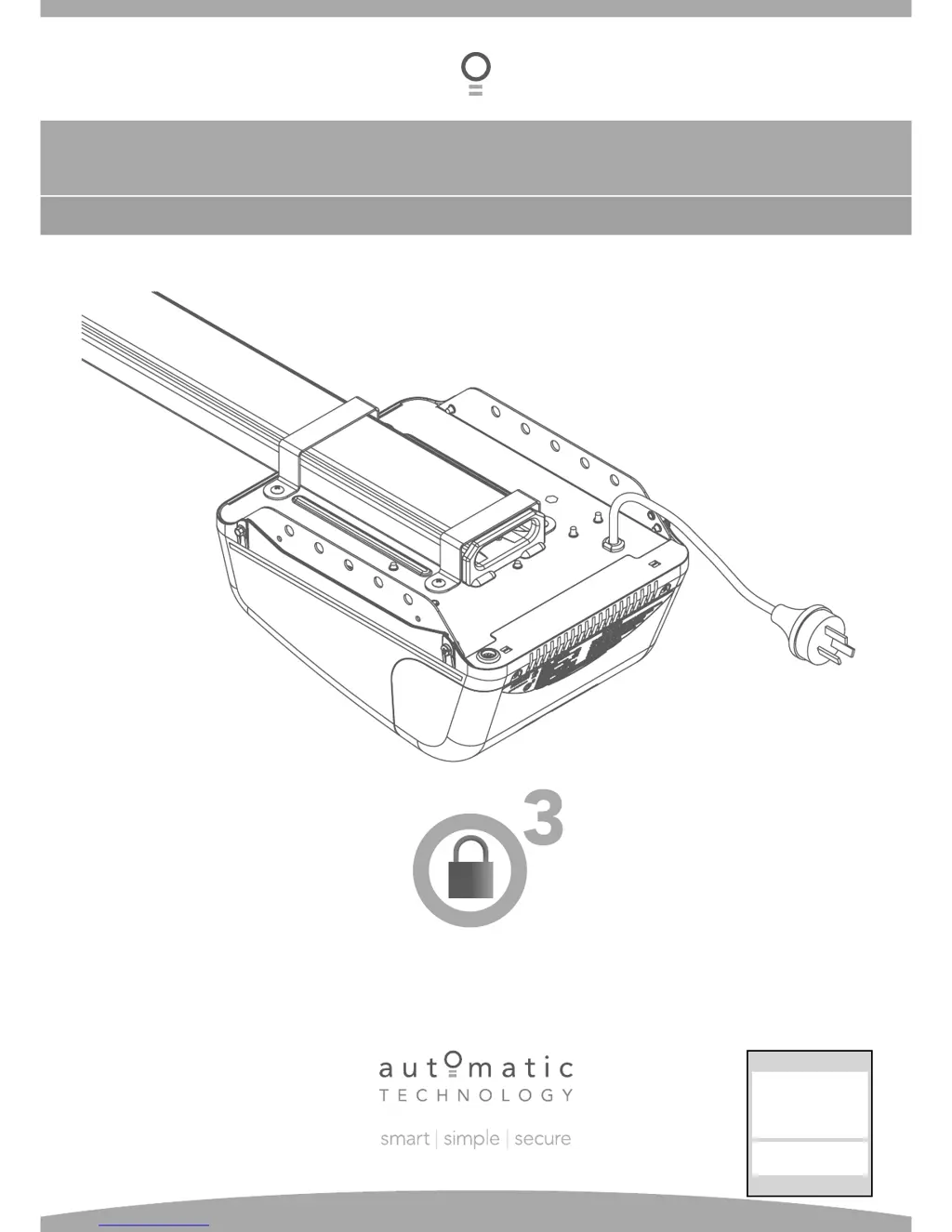
GDO-9
INSTALLATION INSTRUCTIONS | OWNERS COPY
Overhead Garage Door Opener
Featuring TrioCode
Technology
Technical Document
Installation Manual
v
1.01
14 Dec 2011
English
Part # 13214 (Manual)

Questions and Answers

  • M
    Mrs. Kathy Hernandez DDSAug 1, 2025
    What to do if my Automatic Technology GDO-9 will not operate?
    • D
      Daniel OlsonAug 1, 2025
      If your Automatic Technology Garage Door Opener doesn't operate, here's what to check: * Ensure the mains power is switched on. * Remove any obstructions blocking the door. * Unlock the door or remove any jams. * If the door tracks or hardware are damaged, a qualified technician needs to service or repair the door.
  • M
    Megan GoodmanAug 7, 2025
    What to do if the light on my Automatic Technology Garage Door Opener is not working?
    • L
      Laura HansonAug 7, 2025
      If the courtesy light on your Automatic Technology Garage Door Opener isn't working, the light may be faulty. Replace the globe or LED module.
  • R
    Raymond DayAug 13, 2025
    Why does my Automatic Technology Garage Door Opener start closing but then go back up?
    • K
      Katherine MillerAug 13, 2025
      If your Automatic Technology Garage Door Opener starts to close but then reverses to the open position, it could be due to adverse weather conditions (wind or cold) causing the door to stiffen. Try increasing the force margin setting. Alternatively, there might be an obstruction in the doorway that needs to be removed.
  • H
    harrisonchristineAug 18, 2025
    Why won't my Automatic Technology Garage Door Opener work with the remote, but it works with the wall button?
    • S
      suegrahamAug 19, 2025
      If your Automatic Technology Garage Door Opener activates from the drive unit button but not from the transmitter, it could be due to the transmitter code not being stored in memory. You may need to code the transmitter into the opener’s memory. Another possibility is a flat battery, which would require a replacement.
  • C
    Chloe RubioAug 25, 2025
    Why is the auto close not working on my Automatic Technology GDO-9 Garage Door Opener?
    • T
      tmooreAug 25, 2025
      If the auto-close feature on your Automatic Technology Garage Door Opener isn't working, it could be due to several reasons: * The PE Beam or its wiring might be faulty and require repair or replacement. * The PE Beam might not be aligned correctly. * There might be an obstruction in the path of the PE Beam, which needs to be removed. * The door might be obstructed when closing, so remove any obstructions. * The auto-close time may not be set.

Summary

General Safety Warnings

Important Safety Instructions

General Operational Safety

Advises on safe operation, child supervision, and keeping clear of moving parts.

Installation and Maintenance Safety

Covers protection from elements, door balance, electrical connections, and servicing precautions.

Determine Garage Door Type

Mounting on Track Type Doors

Determine Bracket Position

Explains how to find and mark the correct position for the wall bracket based on door travel.

Mounting the Wall Bracket

Details the process of drilling and securing the wall bracket to the mounting surface.

Attaching the C-Rail

Covers attaching the C-rail assembly to the wall bracket using a pin.

Mounting on Spring Loaded Doors

Determine Door Centre

Guides on finding and marking the door's centre line for alignment.

Prepositioning the Opener

Describes how to initially position the opener unit and rail before mounting.

Mounting the C-Rail

Details how to align and mount the C-rail based on door travel and clearance.

Mounting Door Bracket and Arms

Mounting the Door Bracket

Explains how to attach the door bracket to the garage door panel.

Attaching the Arms (Sectional;One-Piece with Track)

Details connecting the bent and straight arms for doors with tracks.

Attaching the Arms (One-Piece without Track)

Describes attaching arms for one-piece doors that do not use tracks.

Programming the Opener: Travel Limits

Setting Travel Limits Via Control Panel

Guides on setting door open and close limits using the opener's control panel buttons.

Setting Travel Limits Via Transmitter

Details an alternative method to set door travel limits using a transmitter.

Safety Obstruction Forces

Safety Obstruction Force Test

Explains how to test the door's safety features for obstruction detection.

Testing Close Cycle

Describes the procedure to test the door's reverse function when closing.

Testing Open Cycle

Describes how to test the door's stop function when opening.

Adjusting Safety Obstruction Force

Details how to increase or decrease the force margin for obstruction detection.

Coding Transmitters

Remotely Coding Transmitters

Accessories: PE Beam & Auto-Close

Accessories: SmartSolar Installation

Accessories: Battery Backup Installation

Final Setup

Door Status Indicators and Button Functions

Troubleshooting Guide

Common Issues and Remedies

Provides solutions for common problems like the door not operating or reversing.

Maintenance

Warranty and Exclusion of Liability

Automatic Technology GDO-9 Specifications

General IconGeneral
BrandAutomatic Technology
ModelGDO-9
CategoryGarage Door Opener
LanguageEnglish

Related product manuals