Autostacker™ Parking Lift 42 P/N 5900248 — Rev. B — May 2021
Lowering a Vehicle
This section describes how to get a Vehicle off of the Autostacker Platform.
To lower a Vehicle:
1. Check the items listed in Preparing to Raise or Lower a Vehicle.
If you find any issues, resolve them
before
lowering the Vehicle.
2. At the Console, insert your key and turn it to On.
3. Press and hold the Up button to raise the Lift off of the Safety Lock.
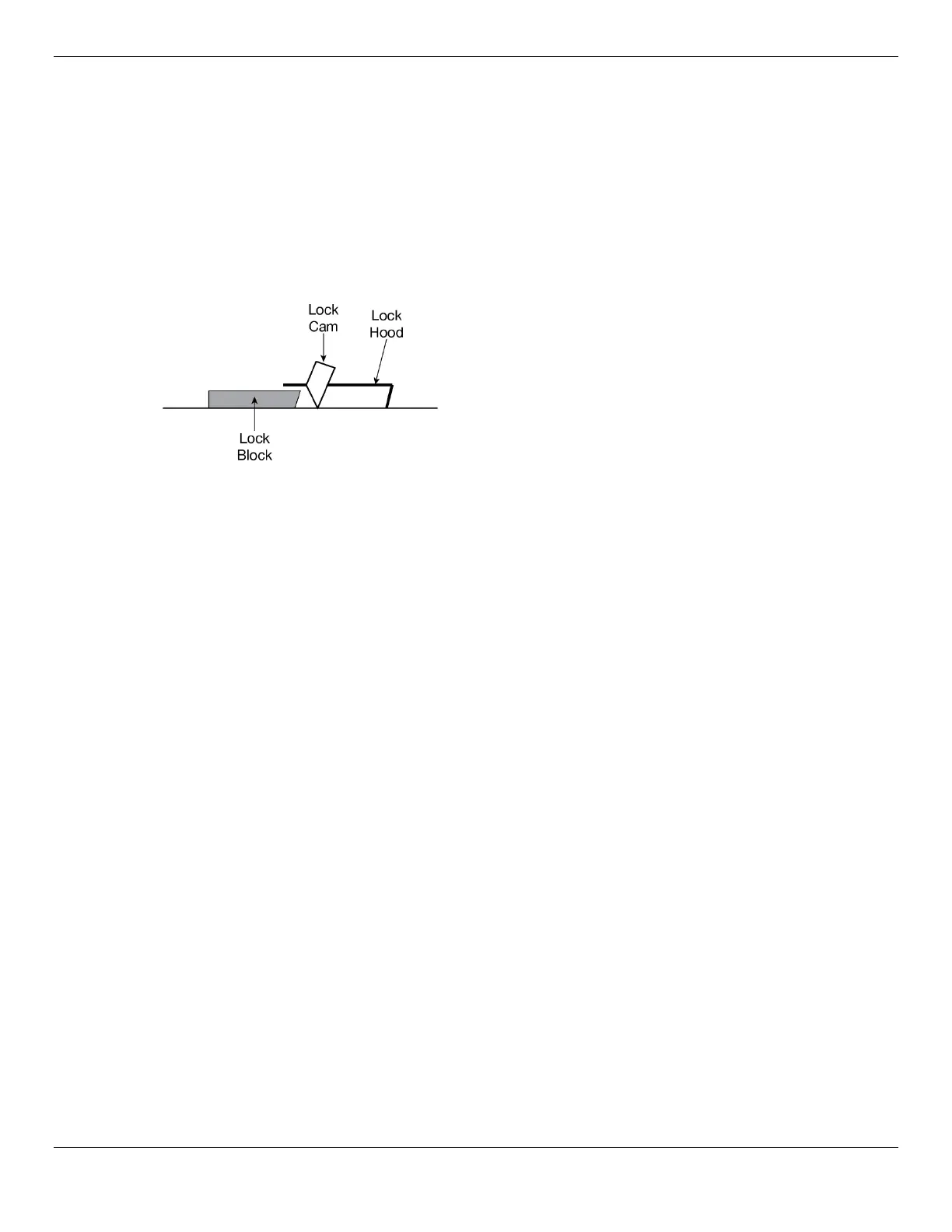
The Lock Hood and Lock Cam move nearly to the next
Lock Block in order to disengage completely from the
Safety Lock Block it was secured on.
4. Once disengaged from the Lock Block, the Lock Cam will be facing down, as shown above.
Press and hold the Down button.
5. When the Autostacker Platform is resting on the ground, release the Down button.
6. Carefully drive the Vehicle off the Autostacker Platform.
7. Turn the key on the Console to Off, then remove it.



 To Next Page