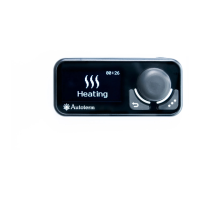
Setting of indicator lighting during operation.
- the indicator is dimmed while the pre-heater is on.
the indicator is constantly lit while the pre-heater is on.
Setting of indicator light brightness. Indicator light brightness
is set in the 0 to 4 range. The brightness default value is 4.
Setting of start by clicking key for pre-heater/heater start.
Click – pump/ventilation start.
Press and hold – pre-heater start.
Click – pre-heater start.
Press and hold – pump/ventilation start.
Setting clock adjustment. The clock accuracy may vary slightly
due to low temperatures. The required adjustment can be set in
the -59 to +59 seconds per day range. The correction default
time is 0.
Keys lighting setting.
- keys lighting ON.
- keys lighting OFF.
Action of Parameters menu keys:
Navigation through the menu items
Exit from this menu to the main screen
Current time is set and displayed in a 24-hour format.
When the control panel power is shut off, the current
time is set to zero and the day is reset to Monday.



 To Next Page
 Loading...