EasyManua.ls Logo

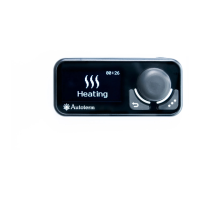
AUTOTERM PU-27 - 5 Control Panel External View; 6 Starting Control Panel Operation

AUTOTERM PU-27
17 pages
Print Icon
To Next Page IconTo Next Page
To Previous Page IconTo Previous Page
Loading...
6
Main menu .
Switch to the main menu from the main screen by clicking the or key.
Menu icon
Description
Startup timers menu.
Product operating parameters setting menu.
(*this menu cannot be used for products without settings).
Control panel settings menu.
Current time and day settings menu.
Language settings menu.
Software version display menu.
Pre-heater operating time setting menu. (*this menu cannot be used
for air heaters).
Action of main menu keys:
Keys
Action
Navigation through the main menu
Activation of selected menu item
Exit from the main menu to the main screen

Other manuals for AUTOTERM PU-27

Related product manuals