- 4 -
User Manual
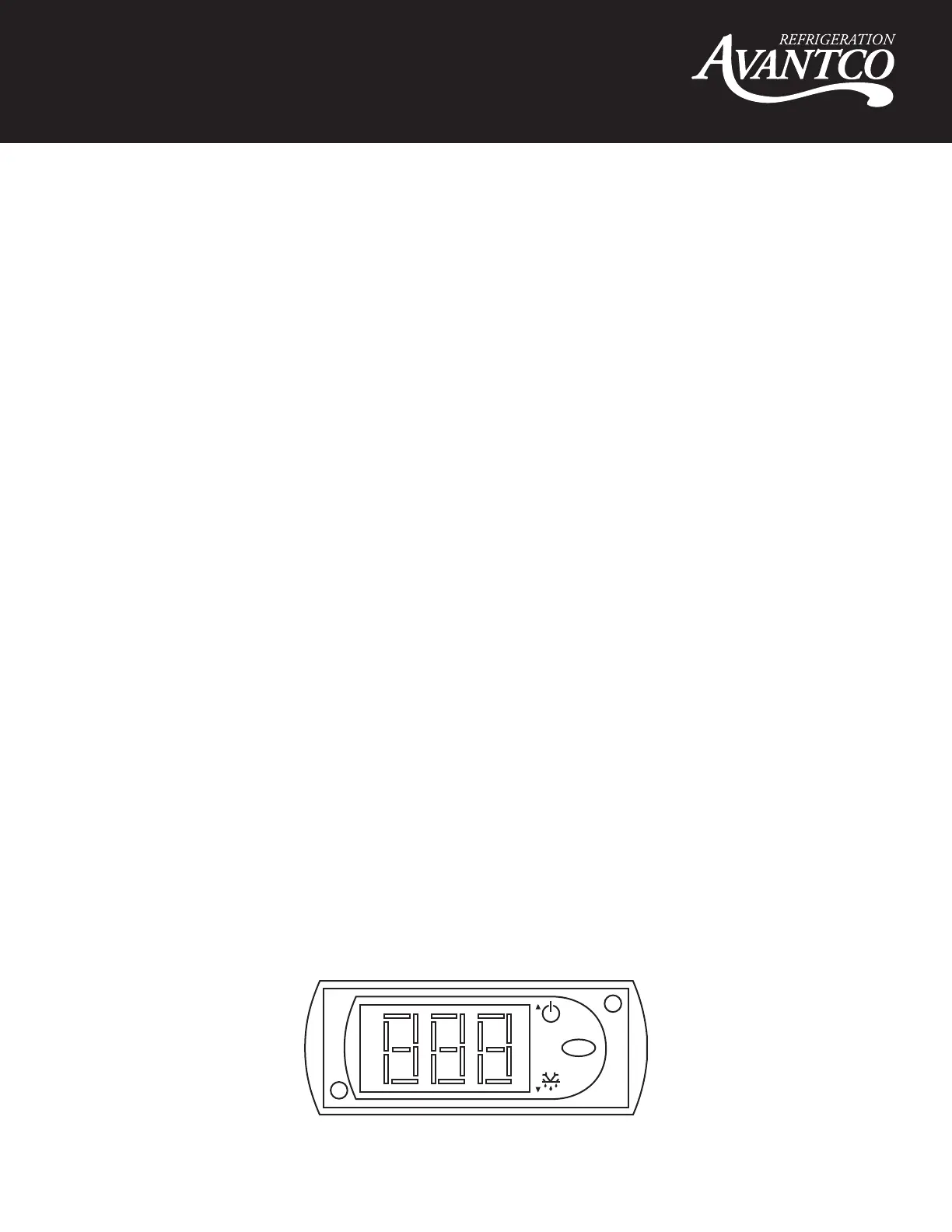
Temperature Controls
• Refrigerant LED - Compressor is on
• Fan LED - Fan is on
• Defrost LED - Defrost cycle is running
Functions
Adjusting the Temperature
Your new refrigerator or freezer is already factory-set to run at optimum temperatures for food
safety and should require no adjustments.
Refrigerators are set to cycle between a minimum temperature of 33 degrees Fahrenheit and a
maximum temperature of 40 degrees Fahrenheit.
Freezers are set to cycle between a minimum temperature of -5 degrees Fahrenheit and a maximum
temperature of 2 degrees Fahrenheit.
Adjusting the temperature changes the minimum temperature your unit will run at. Your unit will not
run constantly at this setting. To change it, follow these instructions:
Digital Control Units
• Hold “SET” for 1 sec. The display will flash the current minimum temperature.
• Use the arrow buttons to adjust the minimum temperature you want it to run at.
• Press “SET” again to save your settings
Always remember to calculate the differential if you change the minimum temperature setting. The
cabinet temperature will fluctuate up to +7 degrees over your set minimum temperature as the
compressor runs and shuts off. Setting the temperature too high will result in unsafe maximum
temperatures and possible health code violations.
set
mute
Refrigerator Control



 To Next Page