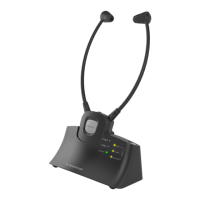
1
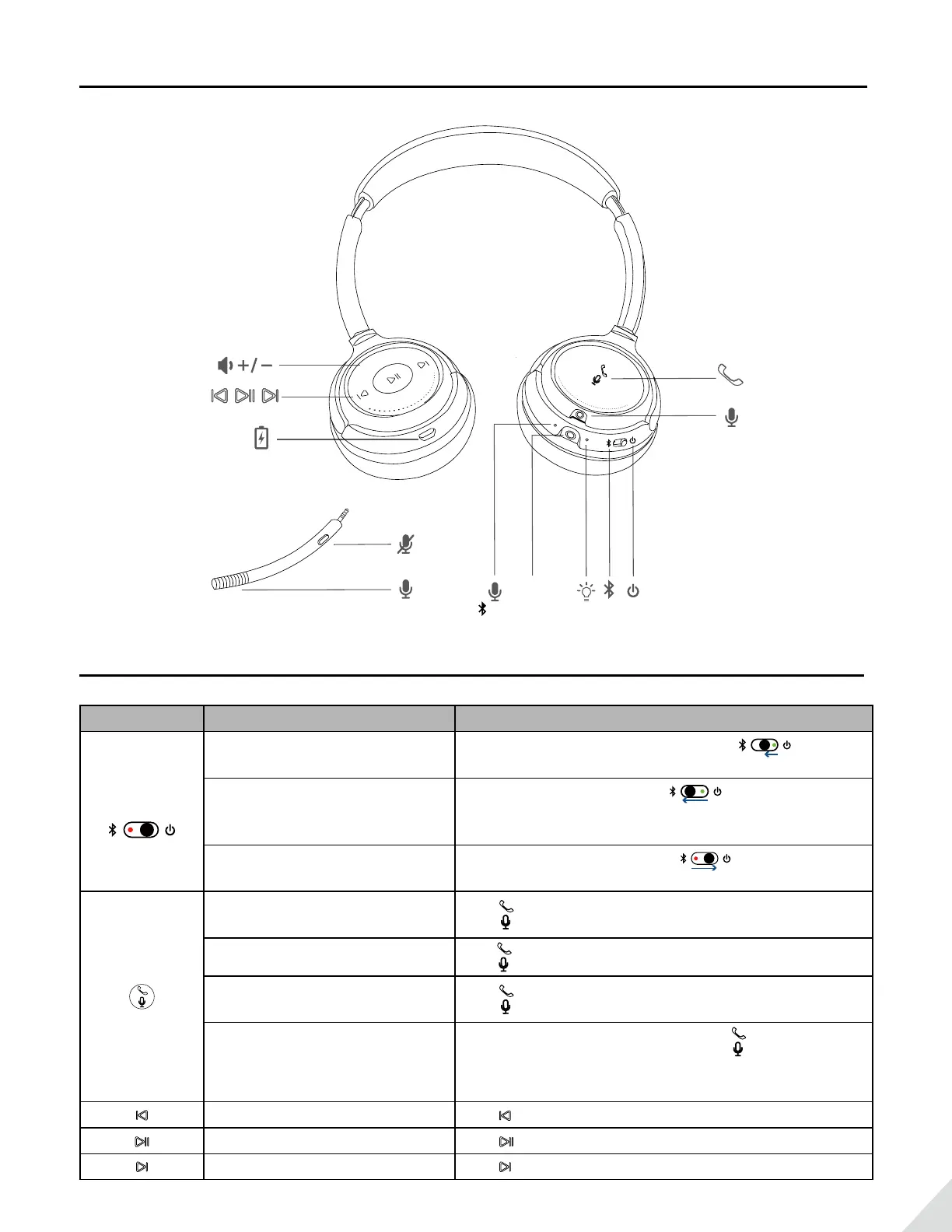
Product Overview
MUTE
Basic Operation
Button Function Operation
Power
Switch
Power ON
Slide the power switch towards middle you’ll
hear “Welcome to Avantree”
Pairing
Slide the power switch to left and hold for 3
seconds. You’ll hear “Pairing” and the LED indicator
blinks RED and BLUE alternately.
Power OFF
Slide the power switch to right you’ll hear
“Good Bye”
Answer /
End a call
Press once
Reject a call Hold 1s whilst a call coming
Activate smart
voice assistant
Press twice
Micropahone
Mute ON/OFF
While on an active call, Press and hold 1s to
activate/close Microphone Mute function. You’ll hear
“Microphone Mute ON/OFF”
Track backward Press once
Play/Pause Press once
Track forward Press once



 To Next Page