4
Using as a wired headphone
Use the supplied 3.5mm audio cable to connect to a non-Bluetooth audio device, or if the headphone battery is
depleted.
Note: The headphone will power o automatically once you plug in the 3.5mm audio cable
.
Charging
When the LED ashes RED 3 times per 10 seconds or you hear the voice prompts “Low battery please turn o
and charge”, you should fully recharge the device for about 2 hours. Charged with the micro USB cable - The LED
indicator on the headphones will remain RED while charging and turn o when charging is complete.
Reset
Clear pairing history
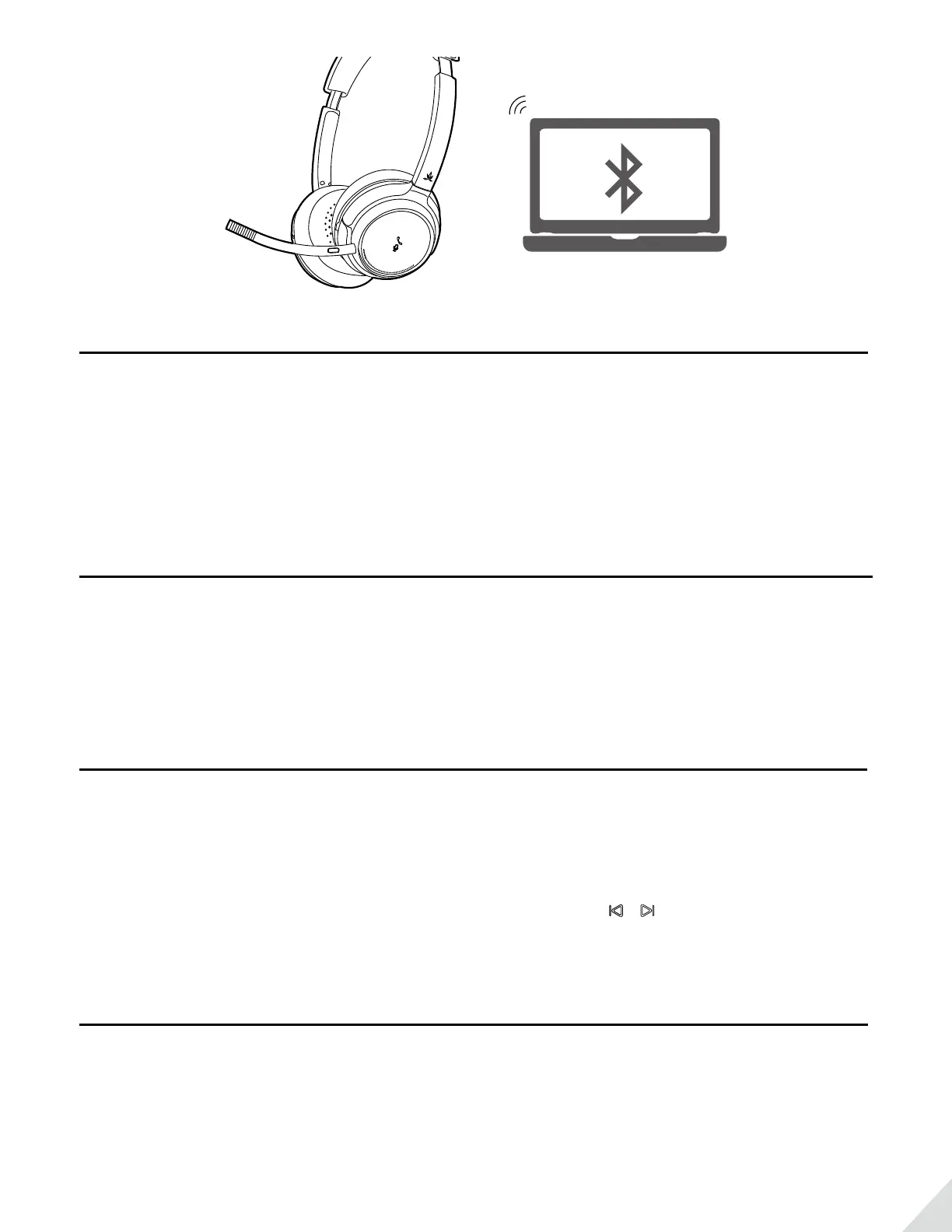
If you have issues with the audio stream skipping or cutting out when using Avantree AH6B, please try to clear
pairing history as following:
Firstly, turn on the headset (Non-calling Status), then Press and Hold BOTH &
5 seconds till the LED blinks PINK for 2 seconds, then the headphones enter into PAIRING MODE automatically.
Troubleshooting
No sound with PC?
• Set Avantree AH6B as the default device or output device on the PC.
• When using AH6B to make VOIP calls through apps, please set “AH6B
Hands-Free” as Microphone and Speakers device.


 To Next Page