3
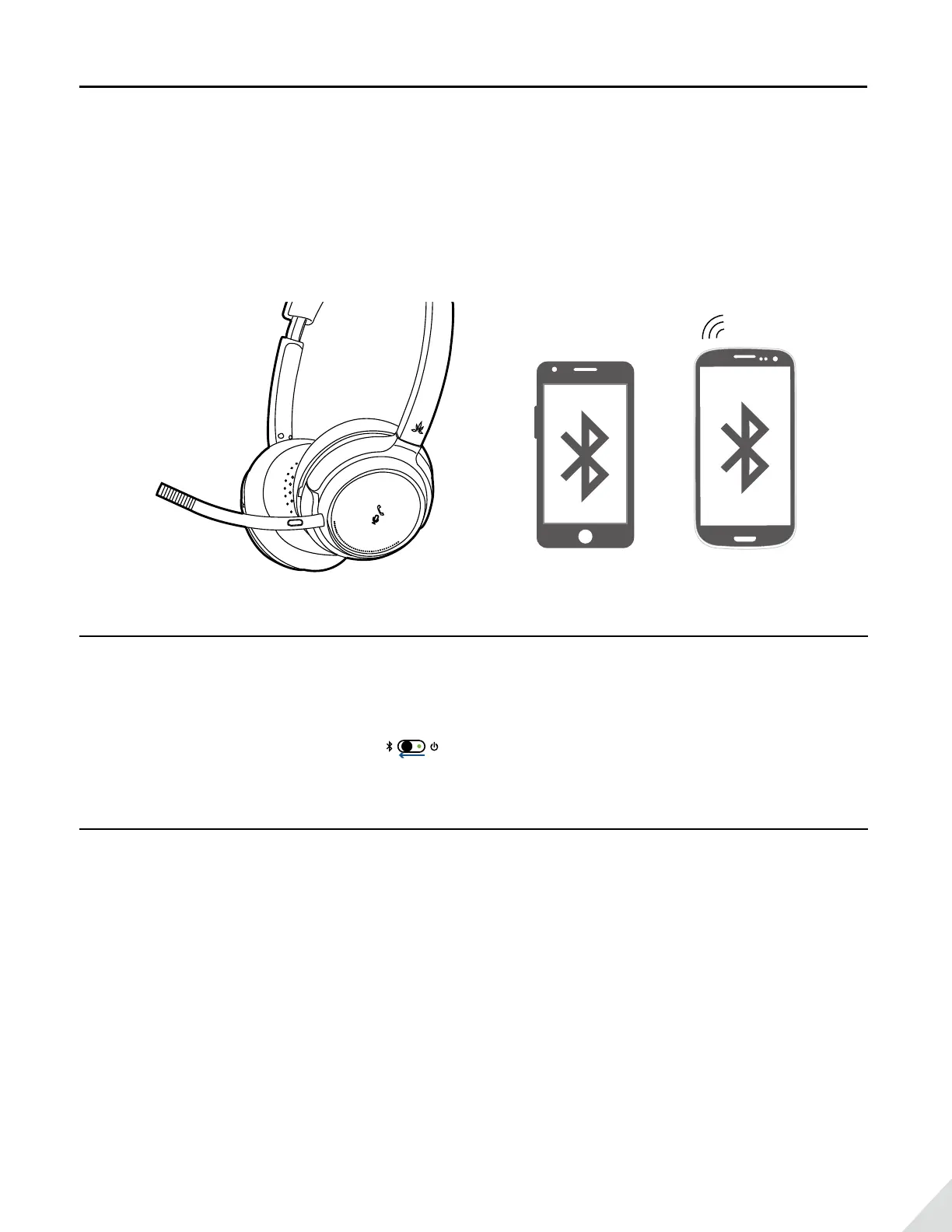
Connect to two Bluetooth devices simultaneously
To add another cell phone
• Connect with the FIRST phone as above, then turn o the headphones.
• Connect headphones with SECOND phone as above.
• Tap and select “Avantree AH6B” on the FIRST phone. Now, Avantree AH6B
connected with TWO phones simultaneously.
Reconnect to Bluetooth device
Reconnection
Normally, when the next time you turn on Avantree AH6B, it will automatically reconnect the last paired device.
Alternatively, Slide the power switch to left once, then release to enter into its Reconnection Mode.
Connect to PC / Laptop
• Set the headphones into Pairing Mode as above.
• Activate Bluetooth function on your PC/Laptop, search & select “Avantree AH6B”
to pair and connect.
• For music stream, please set “Avantree AH6B” as the Playback Default Device/
Out put device in Sound Setting page.
• For Skype call, please set “Avantree AH6B Hands-free Headset” as microphone
and speaker device in Audio Settings.


 To Next Page