User Manual
OASIS PLUS
EN
19
STEP 4
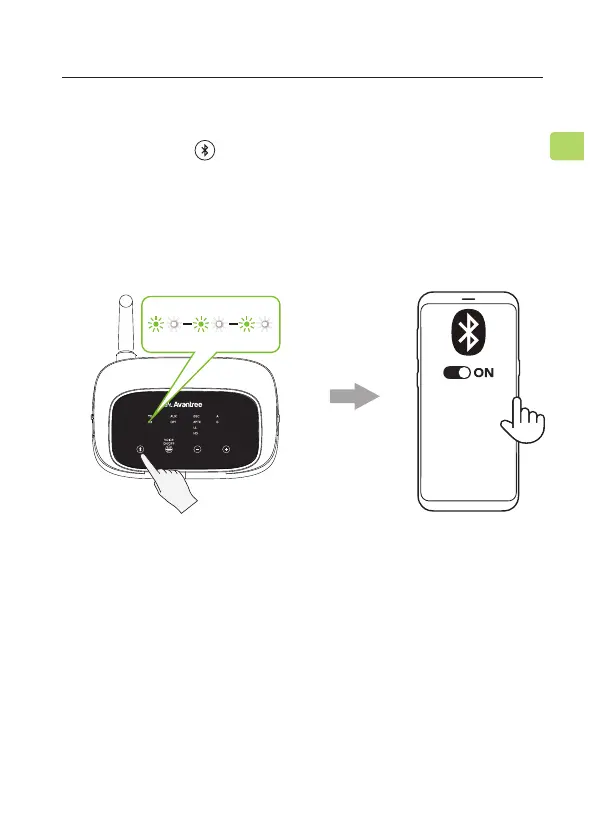
The Oasis Plus should enter PAIRING MODE automatically. If not,
press & hold the button till the "RX" LED ashes GREEN and
WHITE alternately.
STEP 5
On your audio source device, turn on Bluetooth and select
“Avantree Oasis Plus” from the Bluetooth menu.
F
STEP 6
Keep the Oasis Plus & your device close together and wait for
5-10s. Once connected, the “RX” indicator and the device
connection indicator’s “A” will turn a solid white.
Avantree Oasis Plus Ⅱ
MY DEVICES



 To Next Page