7-4
Issue 1 July 2001
Testing Your Phone
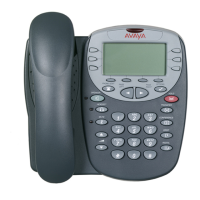
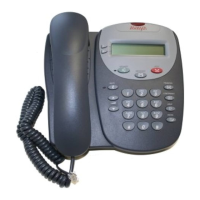
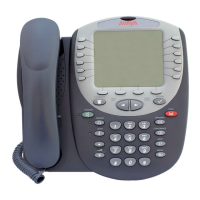
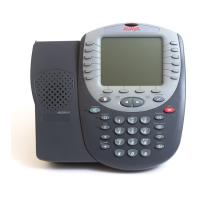
The Test feature lets you verify that your telephone's lights and display are
operating properly.
Testing the telephone's lights and display
1. With the phone idle, press and hold
Trnsfr
.
The Line/Feature indicators light and the display lines each show 24
shaded blocks, representing the 24 characters available on each line.
2. To end the test, release the
Trnsfr
button.
The lights and display return to normal operation.
If any indicator light or the display does not respond during the test, contact your
Telephone System Administrator.


 To Next Page