Unified Communications Module Installation and Maintenance Page 23
15-601011 Issue 03l (28 August 2012)IP Office
Module Installation: Initializing the Module Services
2.6 System and Module Start Up
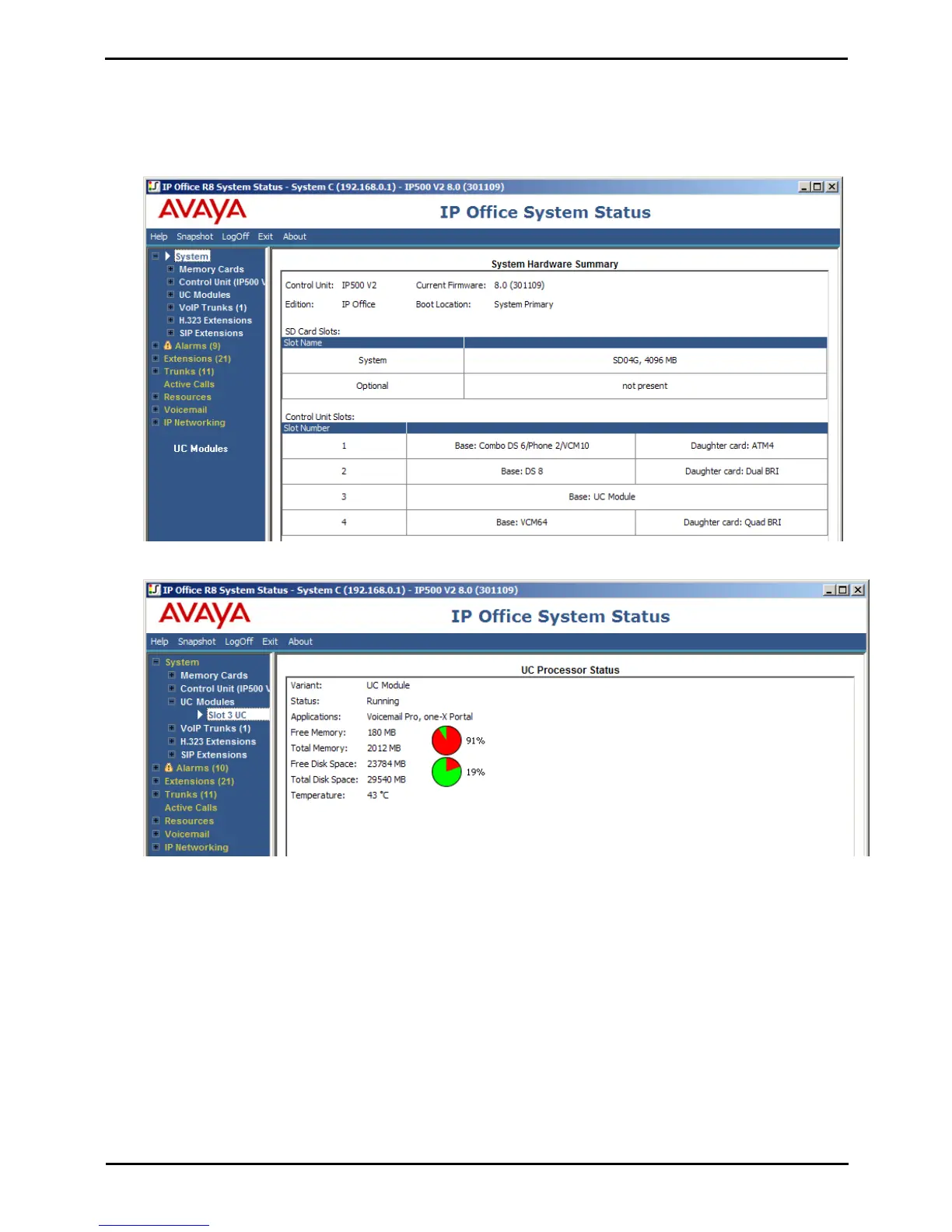
The status of the Unified Communications Module can be checked using System Status Application.
1.
Using System Status Application, access the system.
2.
Select System. The System Hardware Summary includes the UC Module.
3.
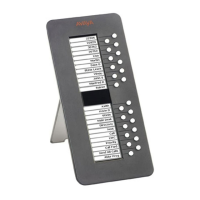
Under System in the navigation tree, click on UC Module. Details of the module are displayed. The buttons at the
bottom of the display can be used to shutdown and startup the module.


 To Next Page