Unified Communications Module Installation and Maintenance Page 35
15-601011 Issue 03l (28 August 2012)IP Office
Voicemail Pro Configuration: Logging in to the Voicemail Server
3.5 Changing the Voicemail Server Password
While logged in to the server using the Voicemail Pro client, you can change the password of the Voicemail Pro
administrator account being used. The default password of the default account must be changed.
You can also create additional administrator accounts, refer to the Voicemail Pro Administrator manual.
To Change the Voicemail Pro Administrator Password
1.
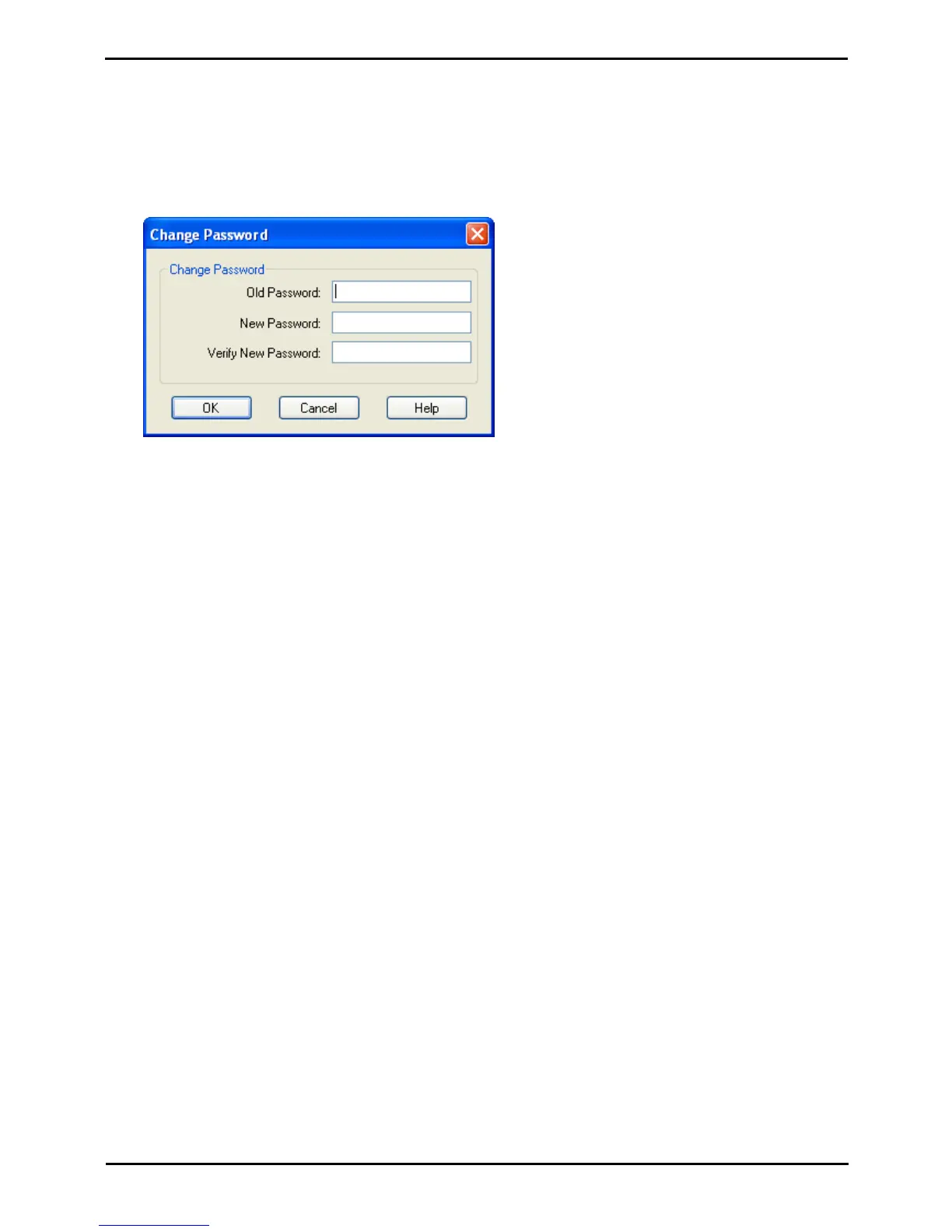
From the File menu, select Change Password.
2.
In the New Password box, type the new password.
3.
In the Confirm Password box, retype the new password.
4.
Click OK.



 To Next Page