38
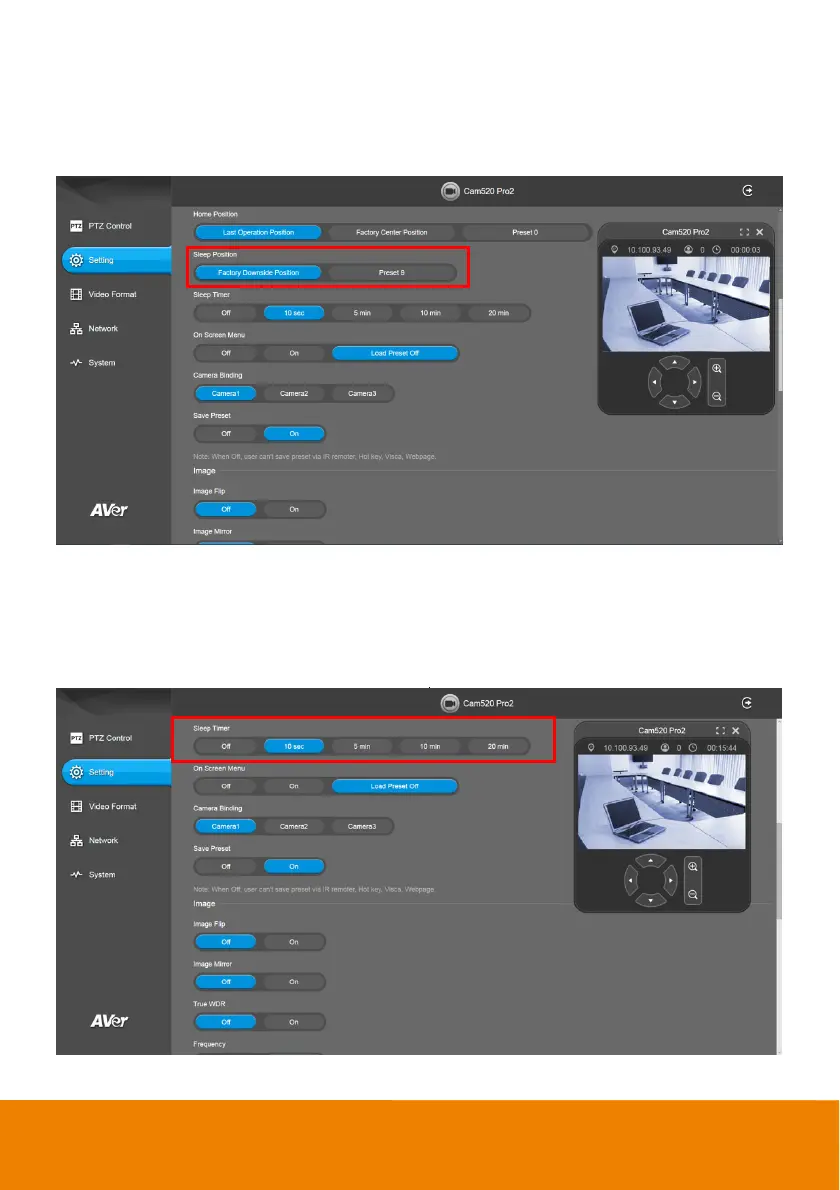
Sleep Position
When the camera idles for certain period, it will enter sleep mode and go to the sleep position. Please
set up sleep timer to enable sleep mode.
Select Setting > Camera > Sleep Position > Factory Downside Position or Preset 9.
Sleep Timer
Set the camera idle time to enter sleep mode.
Select Setting > Camera > Sleep Timer > Off, 10 sec, 5 min, 10 min, or 20 min.
Please notice that whenever there is USB streaming or RTSP/RTMP streaming, the camera won’t
enter sleep mode.



 To Next Page