73
Use PTZApp 2 with a Virtual Stream
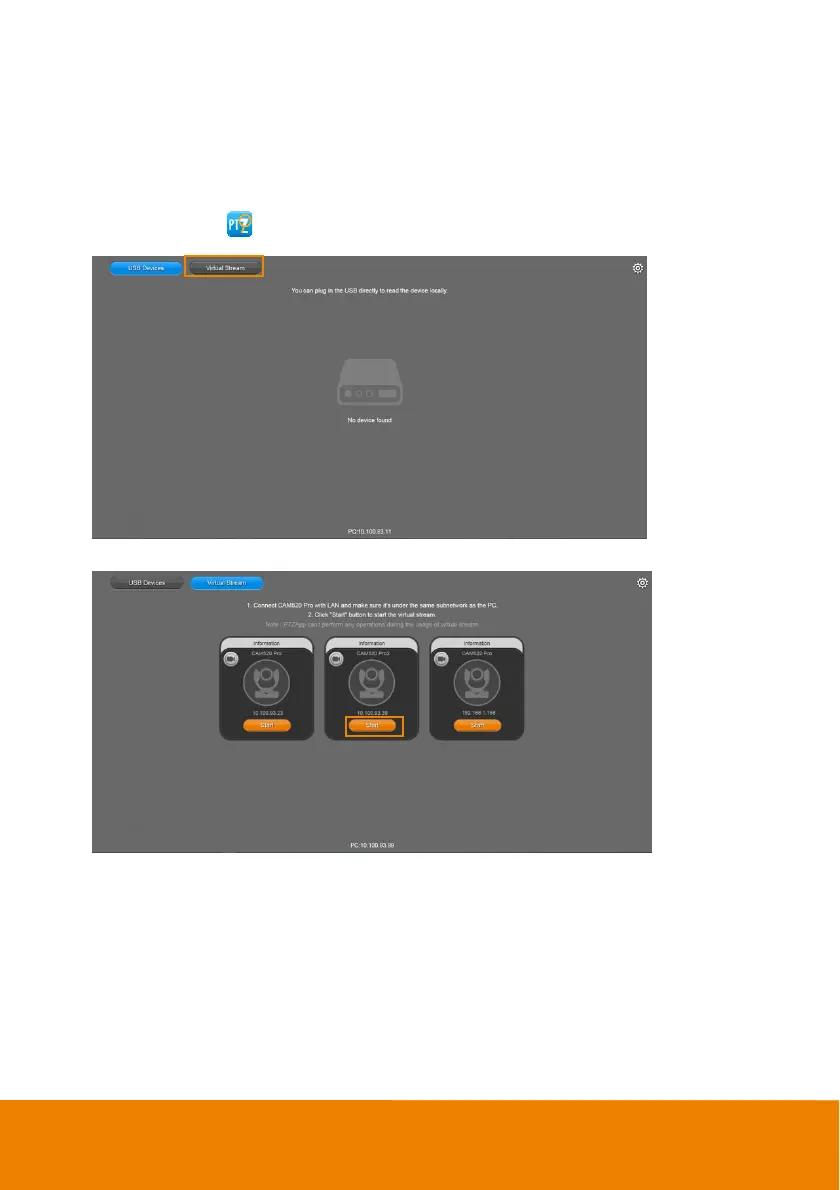
With this function, you can have a virtual meeting with only Ethernet connection and get rid of USB
cable connection. Make sure the camera is connected with Ethernet and under the same subnetwork
as the meeting room PC (e.g. NUC).
1. Launch PTZApp2 (
) on a PC and click Virtual Stream.
2. When the camera card appears, click Start to enable the Virtual Stream function.



 To Next Page