14
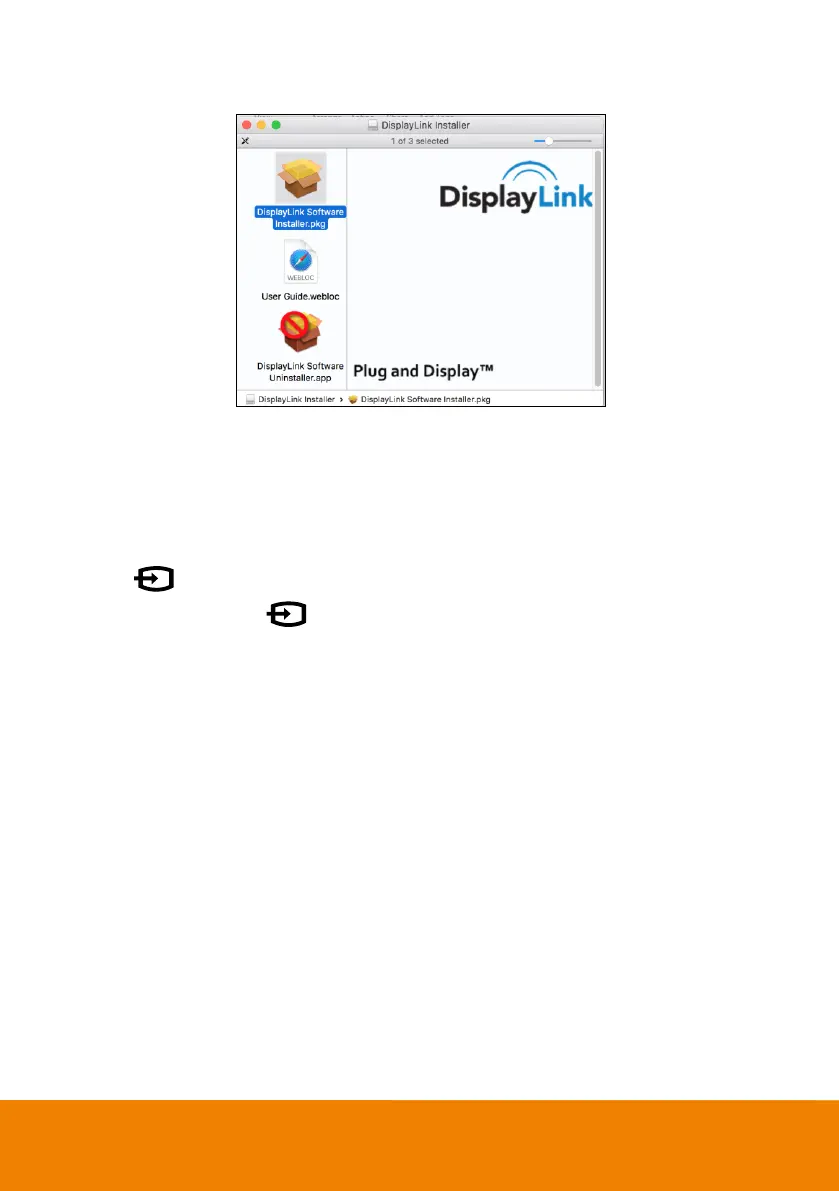
5. Select “DisplayLink Software installer” and flow the on-screen instruction to complete the
installation.
[Note] Maximum output is1080p resolution.
Phone in Connection
1. Power on VB342+.
2. Connect your device to VB342+ through the “phone in” port.
3. Press button 2 times to switch to Phone in mode.
4. In Phone in mode, press button 1 times to turn off Phone in mode.



 To Next Page