23
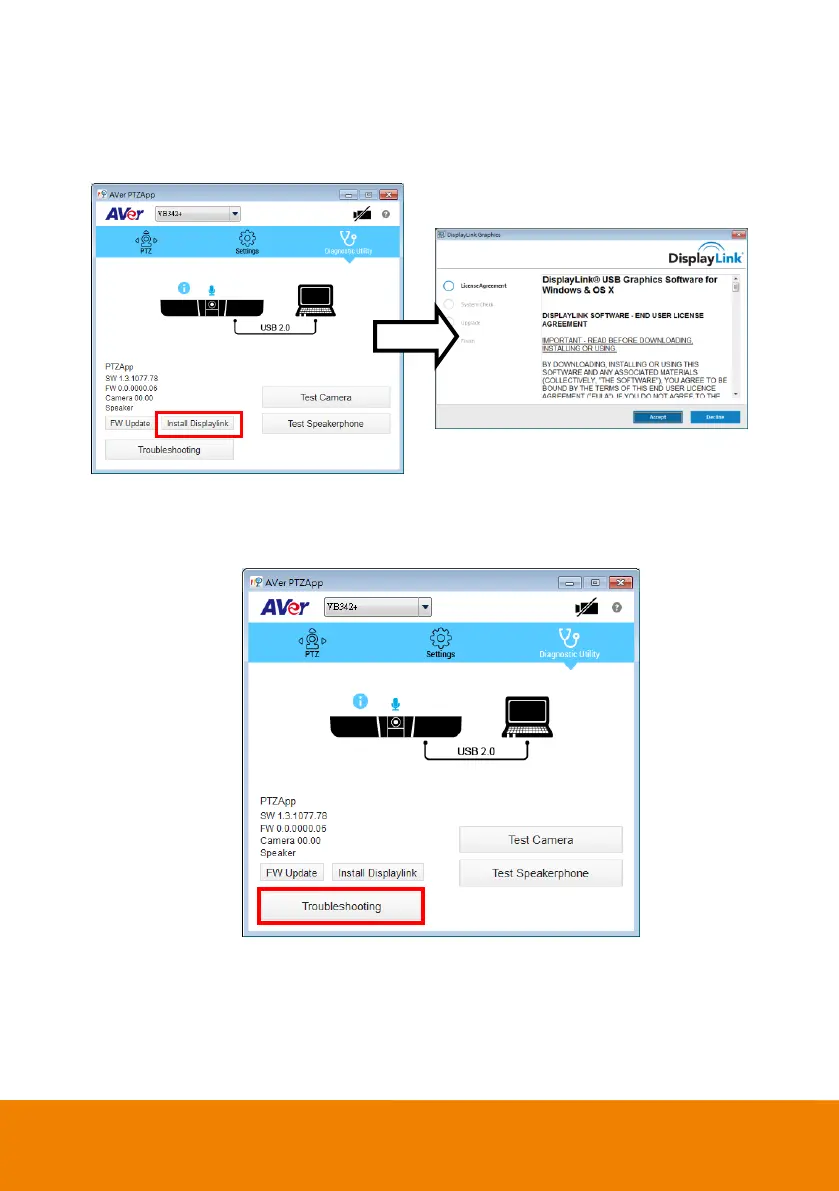
Install Displaylink: The VB342+ requires Displaylink drive for HDMI connection. If your laptop/PC
doesn’t have installed Displaylink drive, click “Install Displaylink” and follow the on-screen
instruction to complete installation.
[Note] Maximum output is1080p resolution.
Troubleshooting: collect more system information for troubleshooting before you contact AVer
technical support.



 To Next Page