User’s Manual
9
Using the AVerMedia
AVerTV Box5 Live
Different countries have different type of TV system. AVerTV Box5 Live varies
depending on the TV system and can only be used on the country where it is
purchased. You need to make sure that you purchased the same TV system that
your country is using.
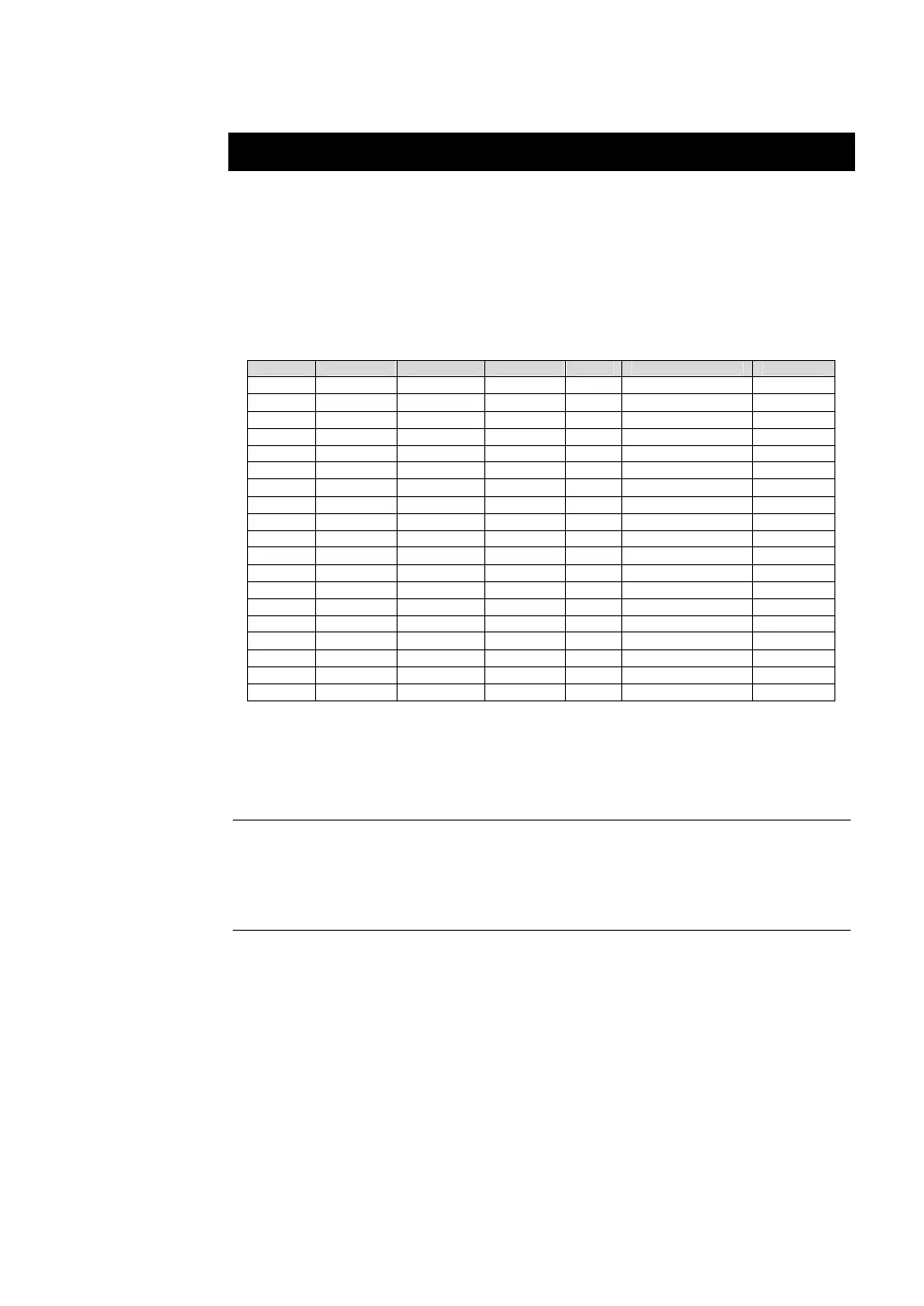
Each column in the table below corresponds to a different type of TV system.
Only one of these TV systems (only one column) will appear as your SET AREA.
Make sure that you select the correct country signal from the menu. To change
the area setting, refer to SET AREA (page 13).
NTSC-J NTSC-M SECAM-DK SECAM-L PAL-I PAL-BG PAL-DK
JAPAN USA-STD RUSSIA FRANCE UK AUSTRALIA POLAND-1
USA-HRC UKRAINE HK AUSTRIA POLAND-2
USA-IRC BANGLADESH POLAND-3
TAIWAN DENMARK CHINA
KOREA EGYPT
GERMANY
GREECE
INDIA
IRAN
ITALY
NETHERLANDS_2
NETHERLANDS_1
RUMANIA
SINGAPORE
SPAIN
SWEDEN
SWITZERLAND
TURKEY
UAE
To ensure that you can select and watch all active channels, refer to the section CH
SCAN (page 11) on how to automatically scan and memorize all active TV channels
in your area.
Accessing TV Controls
To access the various TV controls, open up the menu displays or press on
the remote control buttons.
The Remote Control
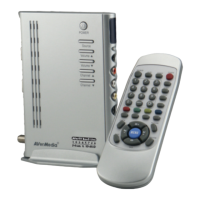
The figure on the next page shows a clear layout of the remote control unit.


 To Next Page