AVerMedia
®
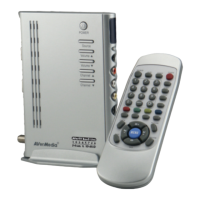
AVerTV Box5 Live
14
Customizing the Picture Setting
If you want to adjust the quality of the TV or
video picture, press the PICTURE button on the
remote. Then, use the CH? or CH? buttons to
select the items in the PICTURE menu and use
the Vol? or Vol? buttons to make the
adjustment.
To restore the picture default setting, select
RESET then press Vol? .
F


 To Next Page