Instruction Book
When the Alarm Sounds
When the alarm sounds, the alarm icon will flash on the display.
You can do one of the following:
If the alarm is active press the ALARM or ON/OFF button to turn the alarm “off”.
Press the SNOOZE button to stop the alarm temporarily, you will see “zZ” on the screen.
The alarm will sound again after nine minutes.
Setting the Sleep Time
The “sleep function” allows you to program the radio to switch itself
"off ” after a set period of 10, 20,30, 60, 90 or 120 minutes.
Press and hold the SLEEP button to set the sleep time.
Press the button repeatedly to choose between the above options
and then press the SELECT button to confirm chosen time.
or
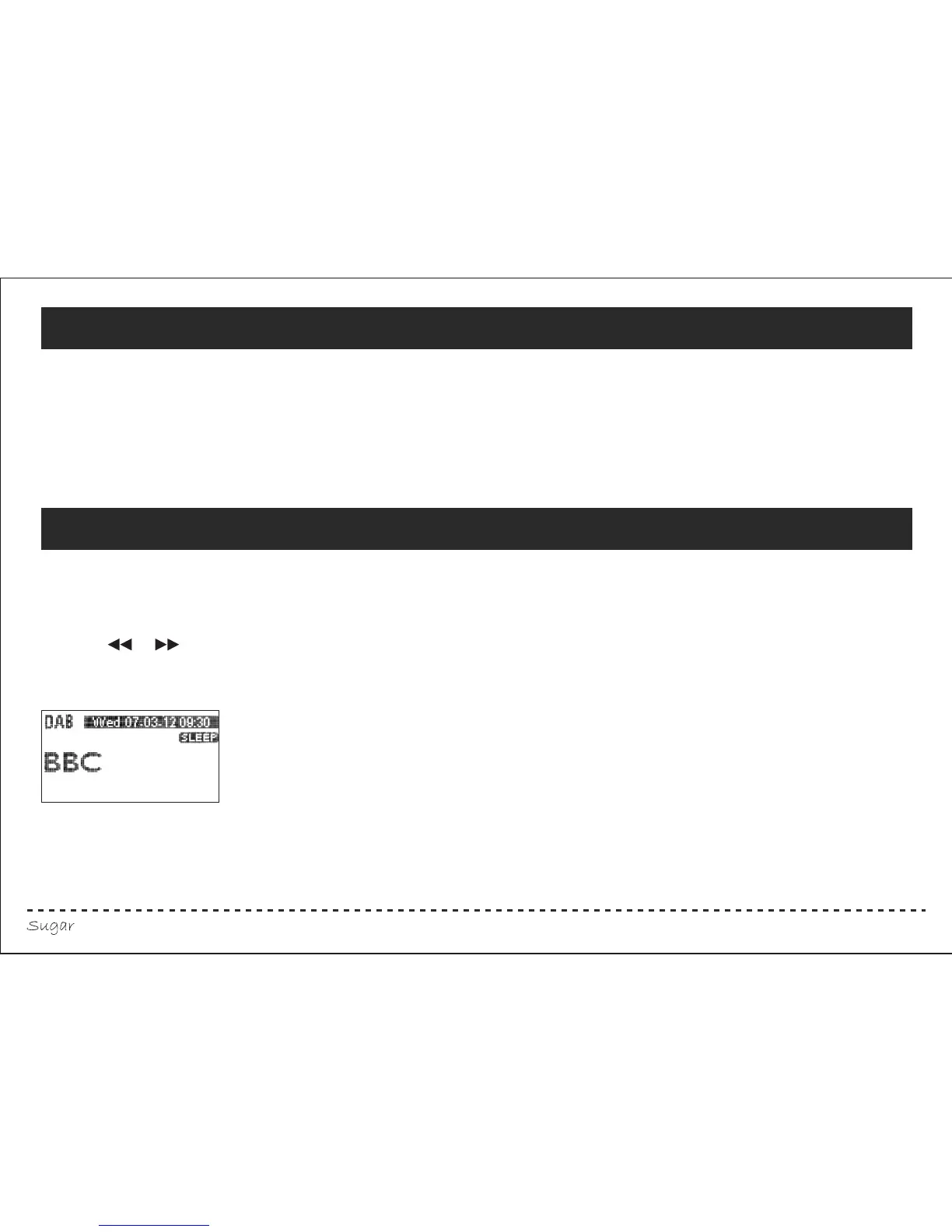
When the “sleep function” is active the display will show:
Your radio will continue to play and switch itself “off ” when the sleep time expires.
If you turn your radio “off” before the sleep time expires, your “sleep function” setting will automatically be deactivated.
Press the SLEEP button to view the “sleep” settings.
10



 To Next Page