5
Instruction Book
Using the FM Radio
Using the DAB Radio
When you turn on your radio and switch to DAB mode for the first time it will search all the available DAB
stations automatically. If you wish to re-tune a DAB station or search for new stations press the SCAN button.
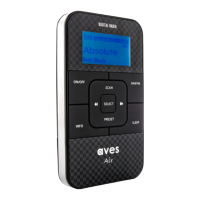
Press the SCAN button to scan for all available DAB stations.
You can explore the DAB stations by pressing the or button as follows:
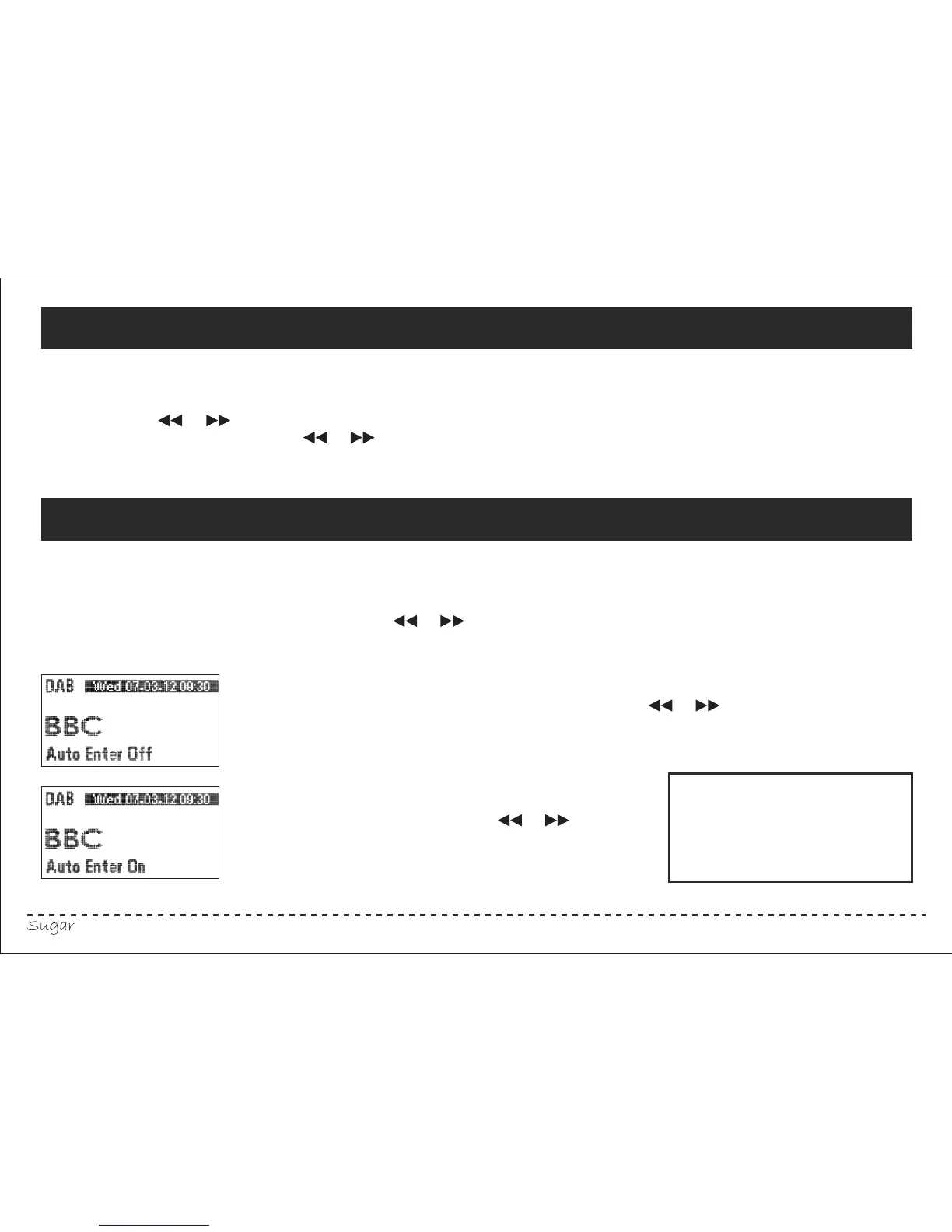
In the DAB mode, press and hold the SELECT button to access the “Auto On/Off”
modes. Press and hold the SELECT button repeatedly to shift between the “Auto On” and “Auto Off” modes.
In the “Auto On” mode, select the stations by pressing the or button and
the station will be selected automatically.
In the “Auto Off ” mode, you must press the SELECT
button to confirm after pressing the or
button to select the station.
Turn on your radio by pressing the ON/OFF button.
Switch to FM by pressing the DAB/FM button. You can select the desired frequency manually
by pressing the or button to move up or down.
Fine tuning can be done by pressing or once and repeatedly until the desired frequency is
found. Alternatively, if you press the SCAN button it will automatically seek out the next available station.
If you press and hold the SCAN button it will search in the opposite direction.
Your radio’s default setting
is set to “Auto On”.
Please Note:



 To Next Page