- 34 -
DVB-T Setup
Favourite List
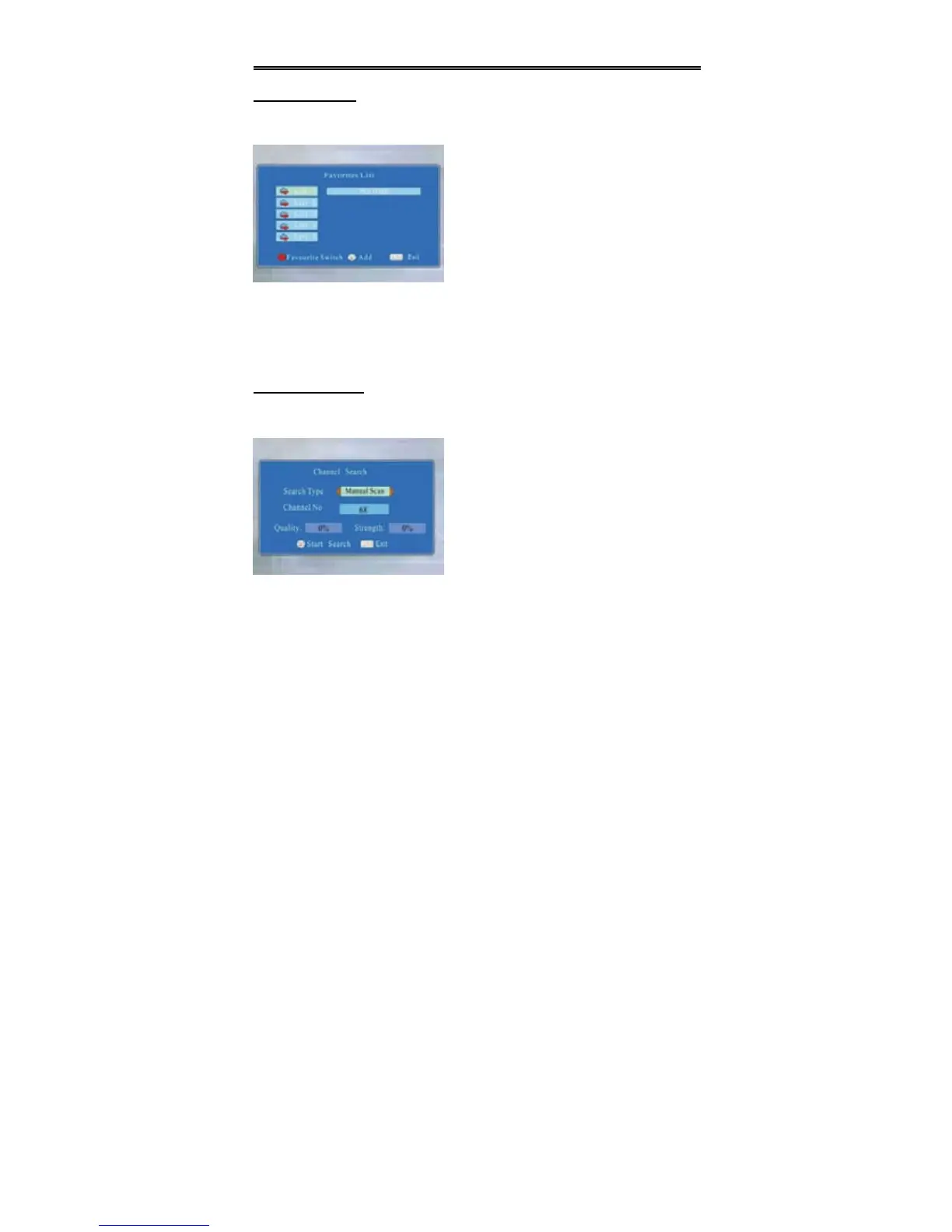
Press the direction buttons to select Favourite List and press the OK button to
enter, the screen will display as below:
Add and Remove Favorite List
Press the (red) button on the remote control to select the desired favorite channel.
Press the OK button to add the channel you selected to the favorite list. Press the OK
button once again to remove the channel you selected. Press the EXIT button to exit.
Channel Search
Press the direction buttons to select Channel Search and press the OK button
to enter, the screen will display as below:
1. Search Type
Select Search Type and press the direction button to enter. Press the
direction buttons to select Auto Scan or Manual Scan.
2. Channel No
Select Channel No and use the number buttons to input the channel number.
Press the direction buttons to select the channel in sequence.
z This item is only available when “Search Type” is set to “Manual Scan”.
In the menu, press the (red) button on the
remote control repeatedly to select different
Favorite List.
In the menu, press the direction
buttons to select the desired item.
Press the OK button to start search.
Press the SETUP to return to the previous
menu.
Press the EXIT button to exit.


 To Next Page