- 40 -
Troubleshooting
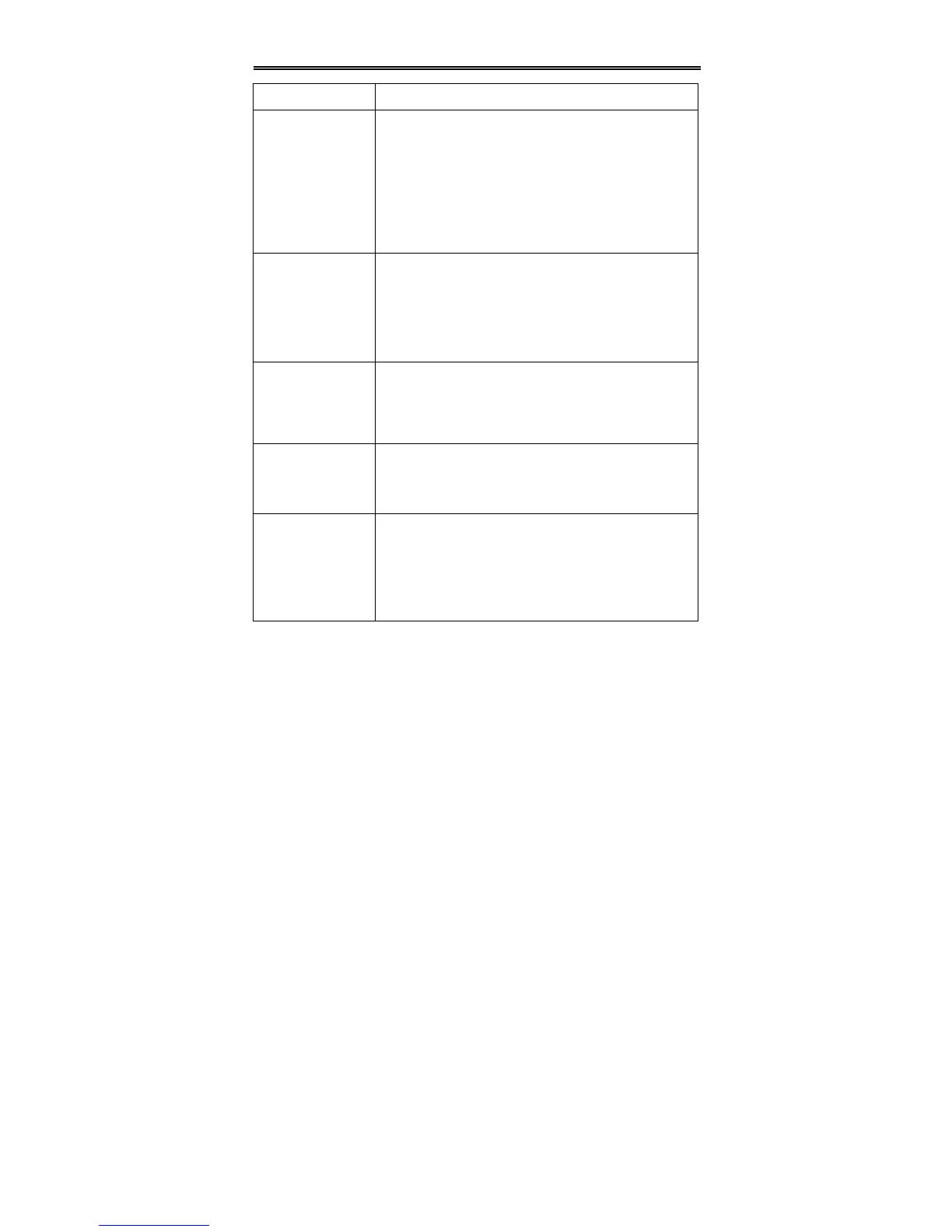
SYMPTOM CHECK ITEM
The player cannot
play.
x Make sure a disc is loaded.
x Make sure the disc is loaded with label side up.
x Disc should be clean, not dirty or warped.
x Player’s region code should be the same as the region
code of the DVD disc.
x Make sure water condensation has not occurred. If it
has, remove the disc and keep the player power on
until the moisture evaporates.
There is no sound.
x Make sure system connection is correct.
x Make sure the player is not under muting mode.
x Press the MUTE button to turn on the speaker.
x Make sure the volume is adjusted to the lowest.
x Adjust the volume upward.
x Is your disc dirty or warped? Clean or replace it.
There is no picture
or picture is
unsteady. Position
of the picture is
incorrect.
x Make sure the video type of the AV signal source is
PAL.
x Make sure system connection is correct.
x Is your disc dirty or warped? Clean or replace it.
Cannot continue to
play and plays a
section repeatedly.
x Make sure the player is not in A-B repeat status.
x Press A-B button to cancel A-B repeat status.
Is your disc dirty or warped? Clean or replace it.
The remote control
does not work.
x Make sure there are no obstructions between the
remote control and the player.
x Make sure the remote control is pointing at the player.
x Make sure batteries are inserted correctly (check
polarity).
x Replace weak batteries.
Other Notes: Static or other external interference may cause the player to work
abnormally. If this occurs, unplug the power-supply cord from the outlet and plug it in
again to reset the player. If the problems persist, then please disconnect the power
and consult a qualified technician.


 To Next Page