- 23 -
DVD System Setup
Preparation
1. In DVD mode, press the SETUP button to open DVD setup menu.
2. Press the button to select setup menu.
3. Press the SETUP button again to exit DVD setup menu.
General Setup Page
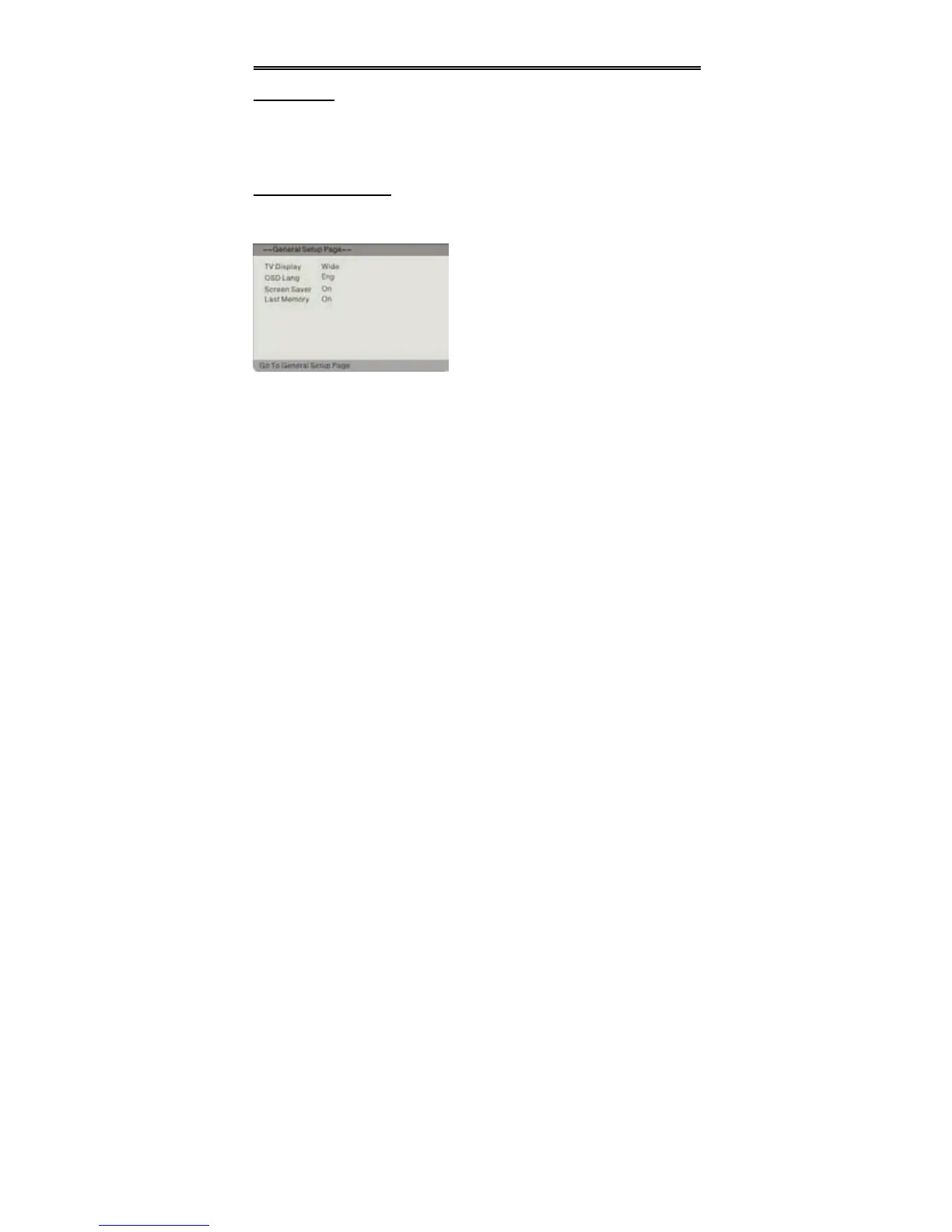
Press the SETUP button to enter the General setup menu. The screen will display as
the below:
TV Display
Select Normal/PS or Normal/LB when a 4:3 TV is connected.
Select WIDE when using a 16:9 screen on the unit or when a wide screen TV is
connected to the video output.
OSD Lang
There are several different OSD languages for selection. You can select English,
French or Spanish, etc.
Screen Saver
When activated, under stop mode, the unit will go into screen saver mode if the same
image remains on the screen for several minutes.
Last Memory
Use the direction buttons to select “On” to resume playback from the point that
you stopped last time; or select “Off” to cancel the function and return.
In the menu, press the OK or direction
button to enter. Use the direction
buttons to select the desired item. Press
the button to return.


 To Next Page