- 24 -
DVD System Setup
Speaker Setup Page
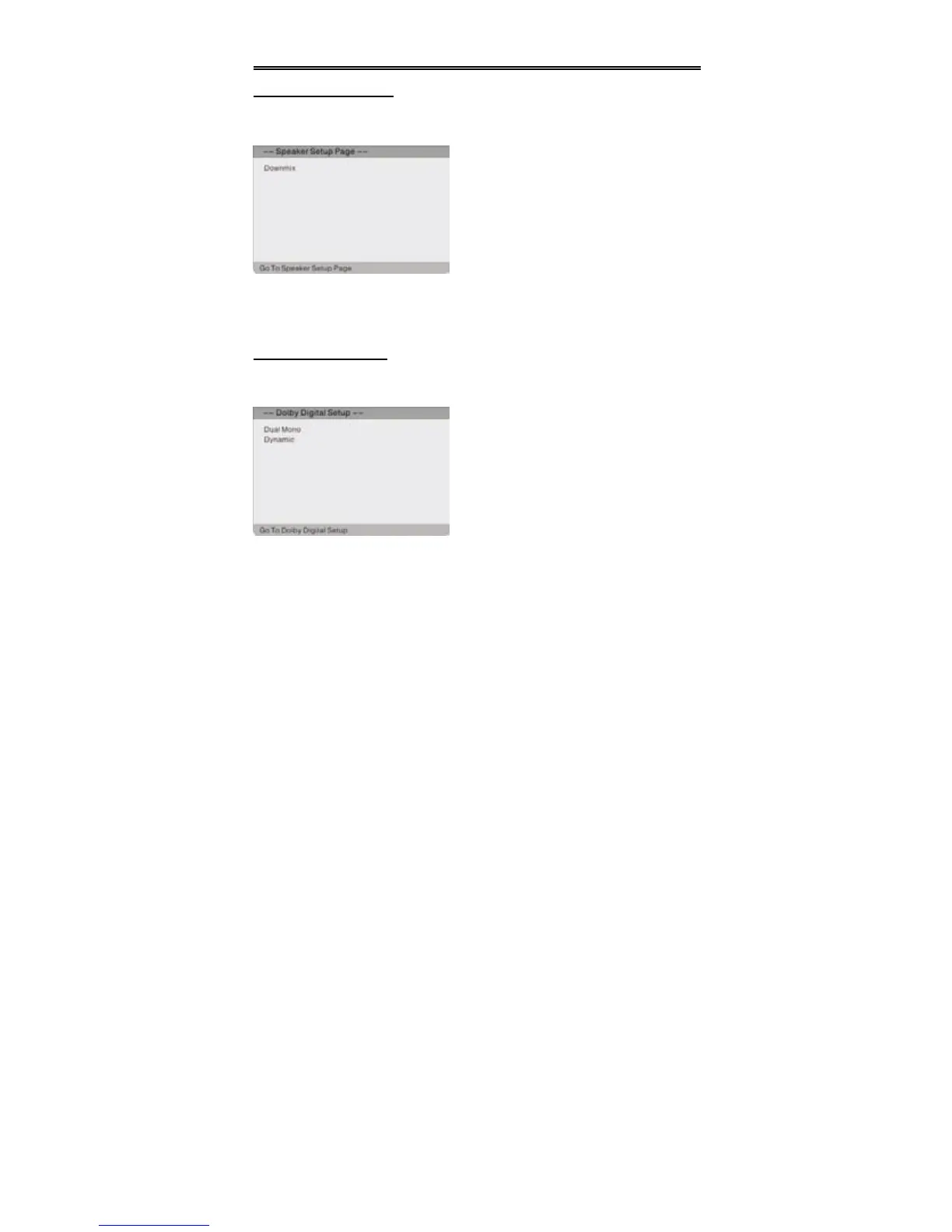
Press the SETUP button to enter the General setup menu, then use the direction
buttons to select Speaker Setup Page, the screen will display as the below:
Downmix
Select “Lt/Rt” in DOWNMIX, the player will output the audio signal in mixed mono.
Select “Stereo”, then the player will output a stereo signal.
Dolby Digital Setup
Press the SETUP button to enter the General setup menu, then use the direction
buttons to select Dolby Digital Setup Page, the screen will display as the below:
Dual Mono
The function is used to select from Stereo, L-Mono, R-Mono and Mix-Mono.
Dynamic
Use this item to adjust linear dynamic compression rate to get different signal
compression effects.
In the menu, press the OK or direction
button to enter. Press the button to
return.
In the menu, press the OK or direction
button to enter. Use the direction
buttons to select the desired item. Press
the button to return.


 To Next Page