- 25 -
In the menu, Use the direction buttons to
select the desired item. Press the OK button to
enter the item. Press the button to return.
DVD System Setup
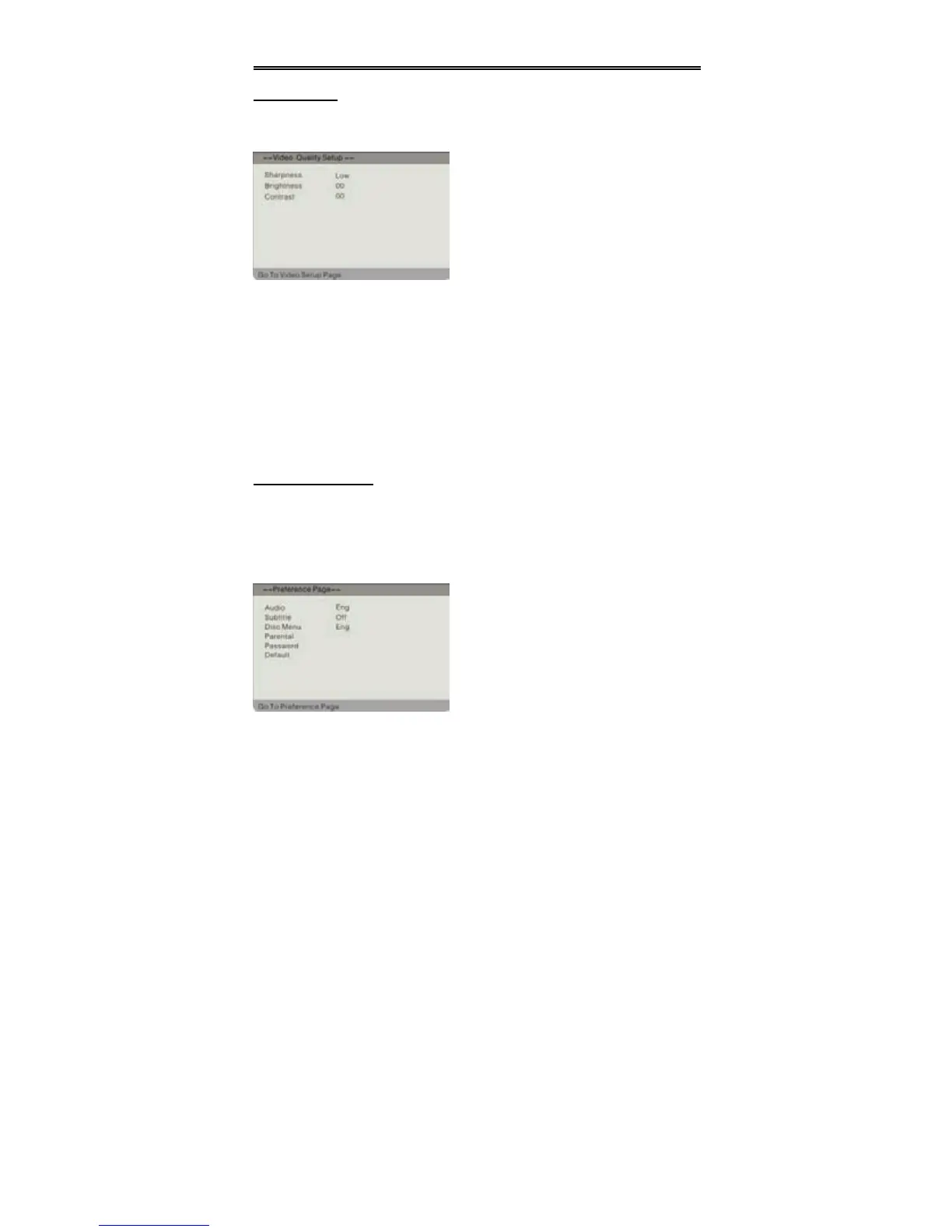
Video Setup
Press the SETUP button to enter the General setup menu, then use the direction
buttons to select Video Setup Page, the screen will display as the below:
Sharpness
Press the direction buttons to select the desired item among “High” “Medium”
“Low”.
Brightness
Press direction buttons to adjust the brightness level.
Contrast
Press direction buttons to adjust the contrast level.
Preference Setup
Note: This item is allowed to set when there is no disc or all the operation has
been stopped.
Press the SETUP button to enter the General setup menu, then use the direction
buttons to select Preference Setup Page, the screen will display as the below:
In the menu, Use the direction
buttons to select the desired item. Press
the OK button to enter the item. Press the
button to return.


 To Next Page