EN
C - INSTALLATION
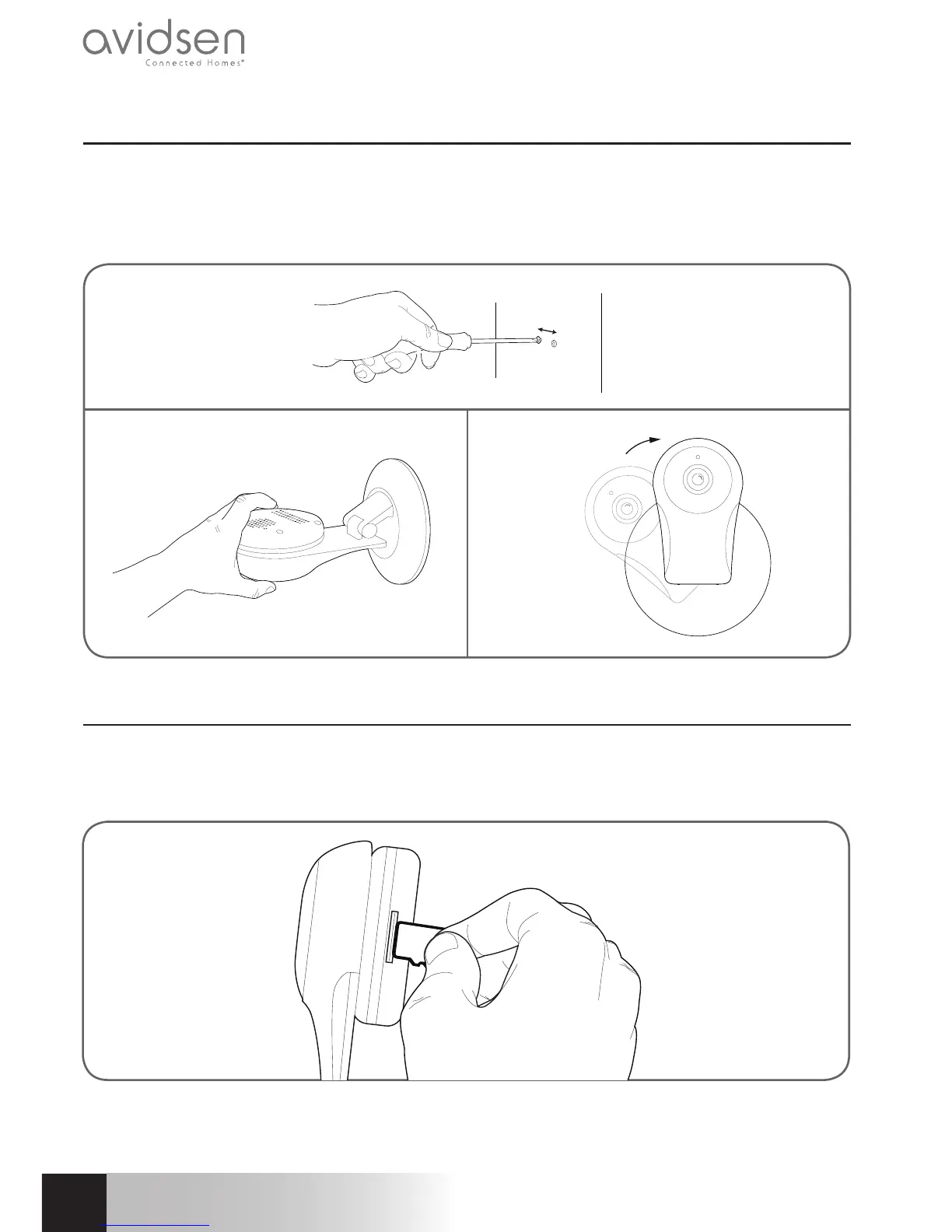
1 - INSTALLING THE CAMERA
• The camera may be attached to a wall, the ceiling or placed on a flat, horizontal surface.
• Mount the camera using suitable screws and wall plugs for the type of surface (the screws and plugs
supplied are suitable for solid walls).
• Make sure the camera is properly secured to prevent it from falling.
19mm
2 - INSERTING A MICRO SD CARD (NOT INCLUDED)
Your camera has a micro SD card slot, which gives it an internal storage memory. The maximum size is 128
GB.
This card is optional, but required if you wish the camera to record independently.



 To Next Page