3-4 Climb-out/Enroute
Pressing the heading knob synchronizes the selected vectors line
to the current heading while in Vectors mode.
The autopilot modes annunciator indication for Vectors mode is a
green “HDG” and a cyan “NAV”.
NAVIGATION (NAV) MODE
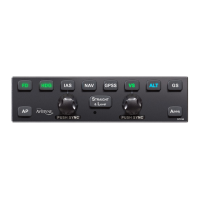
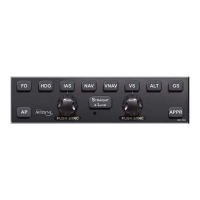
Nav mode is entered by pressing the “NAV” button on the
autopilot control panel. The system will light the control panel
button in green and track the lateral profile provided by the
navigation source that is selected in the Primary Nav line select
key (LSK) of the PFD page (FMS/NAV1/NAV2).
When the Primary Nav LSK is set to FMS, the FMS will default
the autopilot to a 45-degree intercept angle to that nav course
unless either the aircraft is sufficiently close to the commanded
course (at which time it is in capture mode) or the pilot has set up
a pilot-selectable intercept angle of something other than 45
degrees or the pilot has not set up the pilot-selectable intercept
and the FMS has determined it needs to use an intercept angle
greater than 45 degrees for geometry or leg compliance reasons.
Typical bank angles used during Nav mode intercepts are 22
degrees and this may be reduced if in close proximity to the
intended course or during VOR station passage.
When the Primary Nav LSK is set to NAV1 or NAV2, the system
will briefly transition to a coast mode during VOR station passage
within the “cone-of-confusion” and any entered course changes
while inside that area will result in a smooth turn to a wind-
corrected heading until the station signal is re-acquired and signal
tracking can resume.
When the Primary Nav LSK is set to NAV1 or NAV2, Nav mode
will typically conduct its own 45 degree intercept, this is depicted
by a cyan “NAV” autopilot mode annunciator indicating Nav mode
is armed, followed by a green “45
° INT” indicating the system is
currently conducting a 45 degree intercept of the commanded
Nav course. When the transition to captured course happens, the
green “45
° INT” extinguishes and in its place a green “NAV” is
displayed.


 To Next Page