Normal Startup Sequence 2-3
PRE-FLIGHT TEST
1. Ensure “AP READY” is displayed on PFD annunciator
strip
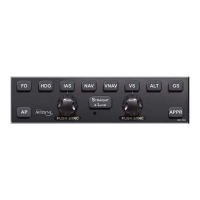
2. Press AP button on autopilot control head
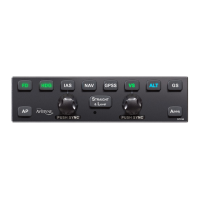
a. Ensure AP button is lit in green
b. Ensure “AP”, “ROLL”, “PITCH” annunciations are
depicted in green on the PFD annunciator strip
3. Set the Heading Bug to be approximately 90 degrees off
current aircraft heading
4. Press HDG button on autopilot control head
a. Ensure HDG button is lit in green
b. Ensure the ailerons are being driven in the proper
direction by the servos (movement is slow and
can be hard to see)
c. Ensure “HDG” annunciation has replaced ROLL
annunciation and that it is depicted in green on
the PFD annunciator strip (“SERVO LIMIT” may
also be displayed – this is normal in some
aircraft)
5. Press the AP Disconnect switch on the control yoke
a. Ensure the aural autopilot disconnect tone is
heard in the headset
b. Ensure “AUTOPILOT DISCONNECTED”
annunciation is depicted in yellow on the PFD
annunciator strip
c. Ensure “AP READY” annunciation is then
depicted in green on the PFD annunciator strip
6. Trim the aircraft to the appropriate pre-takeoff position in
accordance with normal aircraft checklist procedures.


 To Next Page