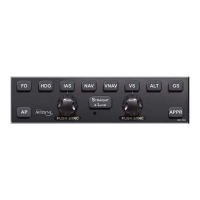
5-4 Abnormal Procedures
LOSS OF PFD BEZEL BUTTONS AND KNOBS
Failure Indication:
A failure of the PFD bezel buttons/knobs is indicated by the
display still being present and functional but the bezel
buttons/knobs are inoperative.
Functionality Lost:
The ability to enter altitude and heading autopilot commands and
target bugs will be lost.
The ability to change which GPS Nav-Com navigator is driving
the PFD nav solution will also be lost.
Recommended Pilot Action:
Use the autopilot in the remaining usable modes (e.g. Alt Hold,
NAV, GPSS, VS, IAS, Envelope Protection). Consider pulling
both PFD circuit breakers for less than 20 seconds to conduct a
warmstart (if Avidyne PFD equipped).


 To Next Page