9 Scanning and Sending the
Scanned Images to Your
Computer (Scan to PC)
Before You Begin:
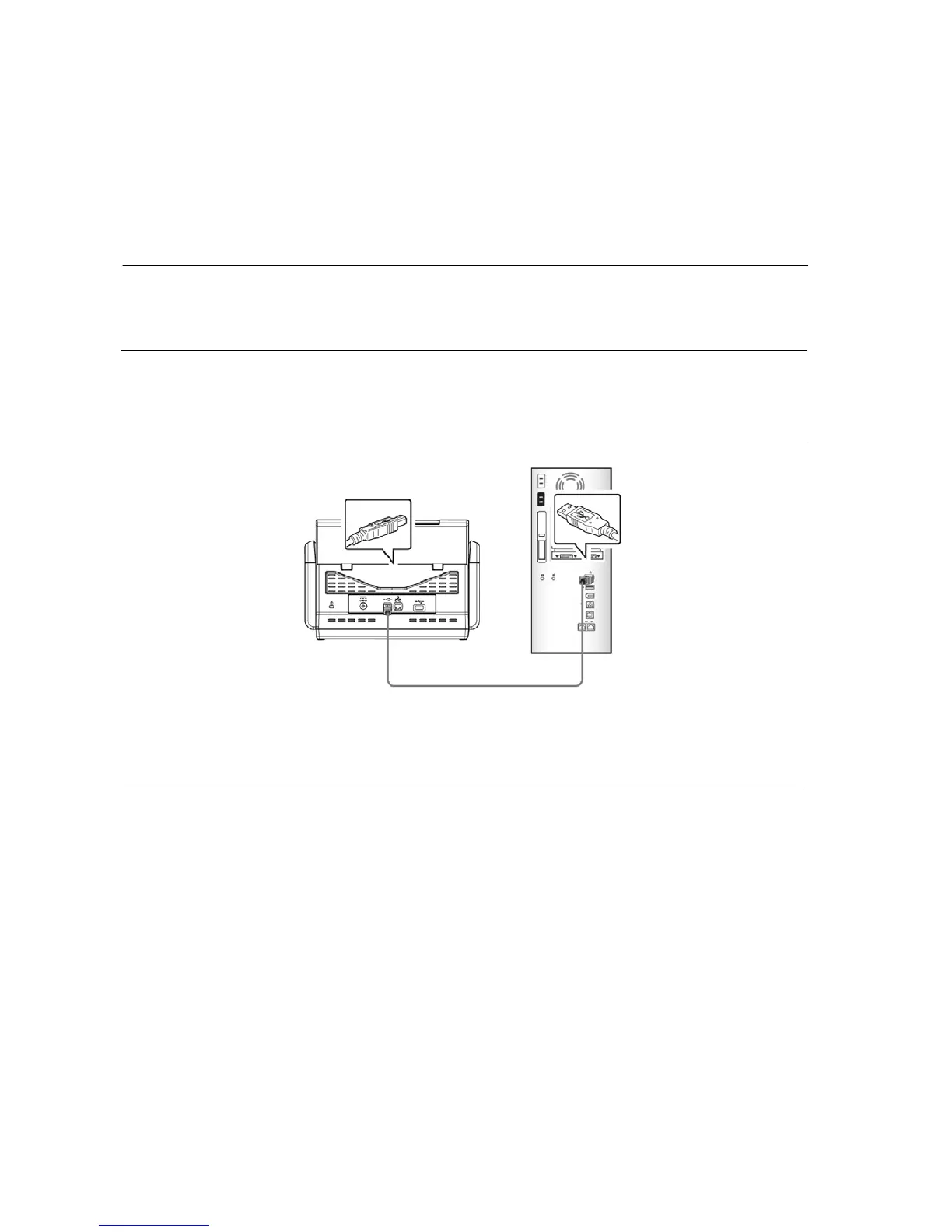
Before you begin using the function of [Scan to PC], please make sure you have already
installed the scanner driver, Button Manager V2, and connecting to the scanner to your
computer via a USB cable as described in the preceding section, chapter 7 Using the
Product as a Regular Scanner.
Installing Button Manager V2
Button Manager V2 provides you an easy way to scan your document and then link the
scanned image to your designated software application. All this can be done by a simple
touch of the button on the scanner. Yet, before you scan, it is recommended to check the
button configurations first to ensure a proper file format and a destination application.


 To Next Page