32
Advanced Settings
Item Description
Image
Density
7 levels of density are provided to adjust the lightness or
contrast of your document. If your original document is too light
or too dark, you can use this setting to adjust the scanned
image. Choice: Level -3~3. Default value: 0
Contrast
Contrast: -3 Contrast: 0 Contrast: 3
(Normal)
Choice: Level -3~3. Default value: 0
Adjust the Contrast slider right or left to increase or decrease
the contrast.
Remove
Blank Page
If you wish to remove the blank page, you can adjust the
sensitivity value to define the threshold. The higher the value,
the more the sensitivity.
Auto
Orientation
When Auto Orientation is turn *Off, images can be rotated to
their proper orientations based on their contents.
Resolution
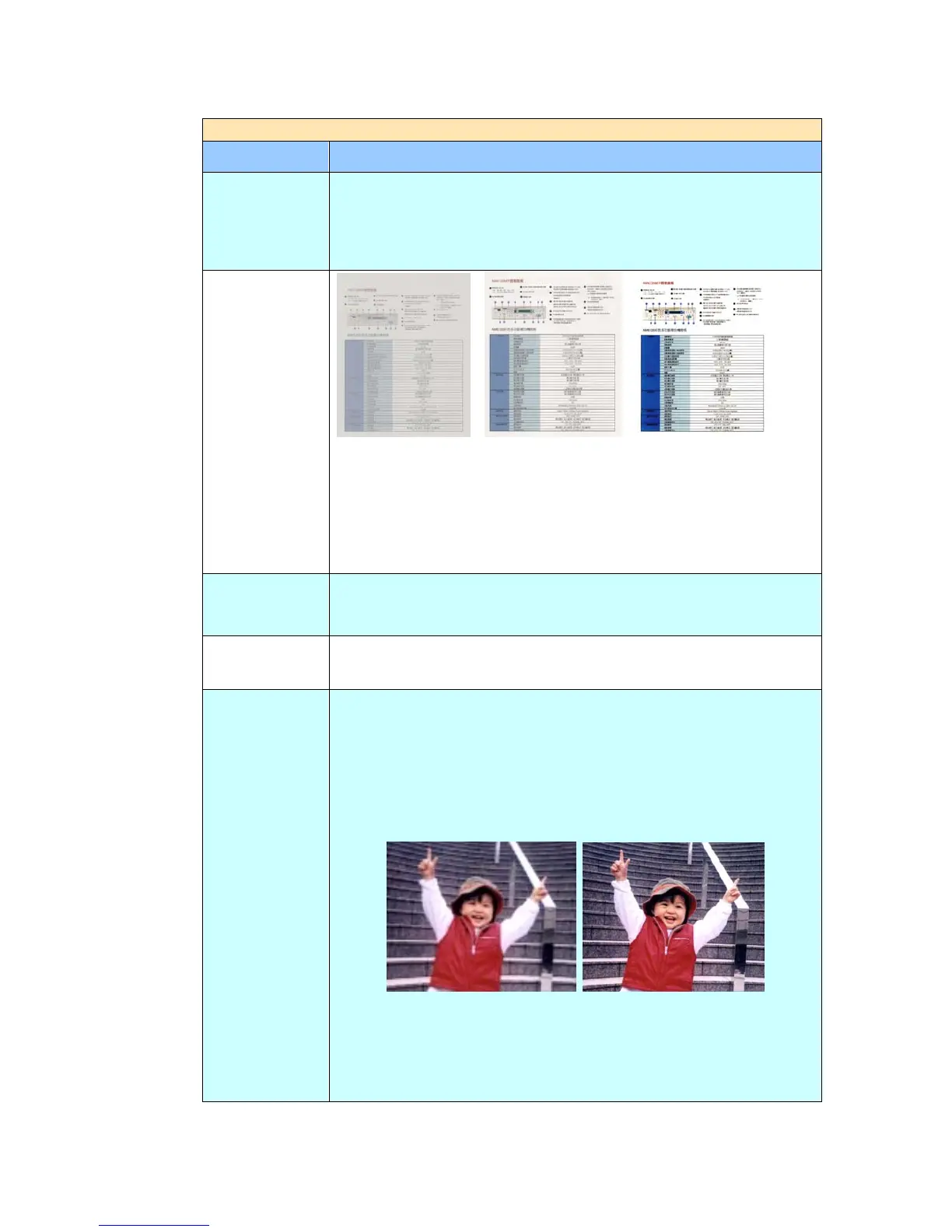
The resolution is measured in pixels per inch (ppi) (sometimes
referred to as dots per inch or dpi). Higher resolutions result in
more detail in the scan, slower scanning and in general, greater
file sizes. When OCR (Optical Character Recognition) is to be
performed on a scan, 300dpi should be used for most languages
except Asian languages. For Asian languages, 400 dpi is
recommended.
Resolution: 150 dpi Resolution: 200 dpi
Note: If you are scanning duplex (two-sided) paper in color
mode, the max. resolution is 400 dpi.
Choice: 150dpi, *200dpi, 300dpi, 600dpi.



 To Next Page