34
Layout Adjustments
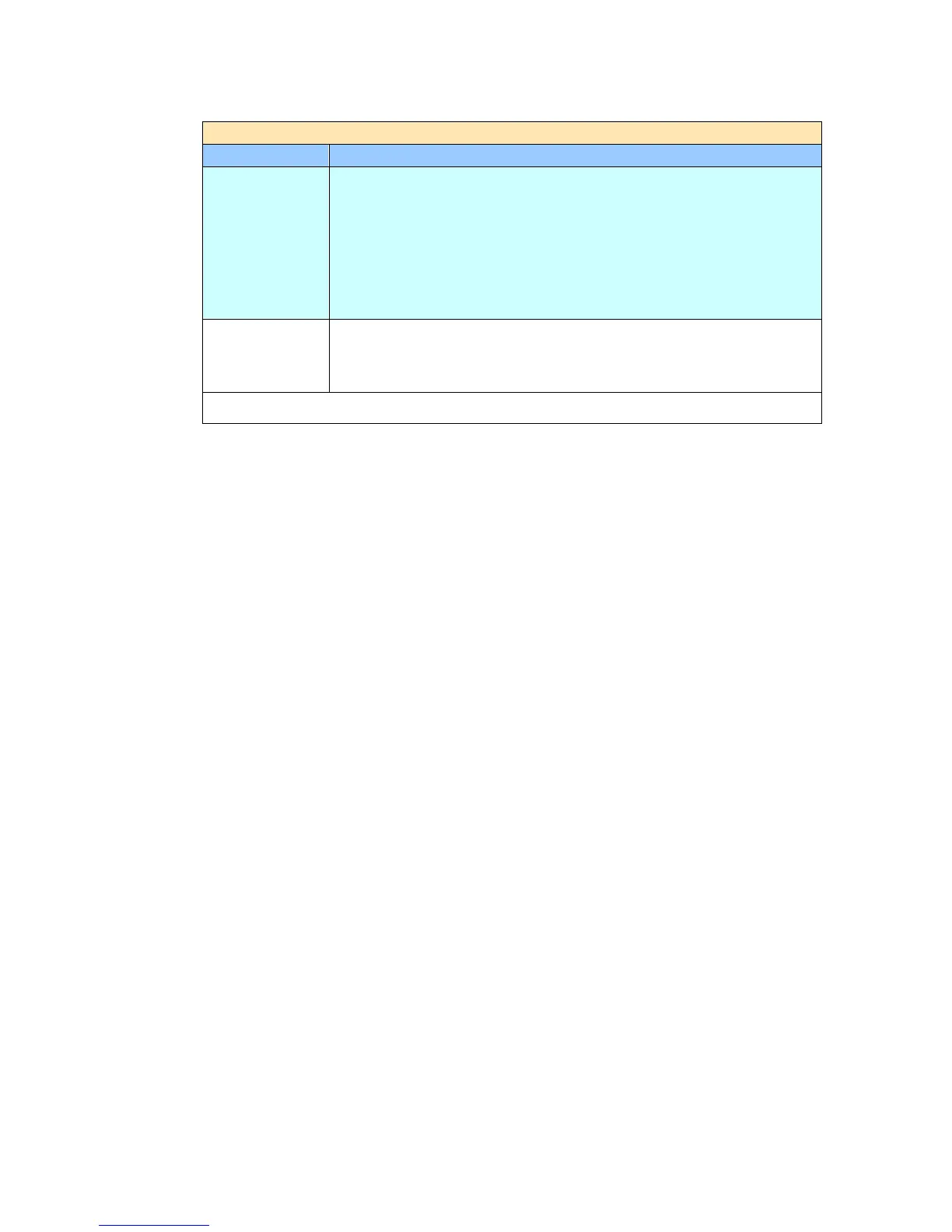
Item Description
Original Size Press to select scan area.
Auto: Let the machine automatically detect the scan area
according to your original.
Detectable size: A4、A5、A6、B5、LGL、LTR
Preset Scan Area: Specify your scan area from a list of A4,
A5, B5, LTR (Letter), and LGL (Legal).
Choice: *Auto/Preset Scan Area
Preview Turn on to display preview image in a low resolution to check if
the scanned image is correct.
Choice: *ON, OFF
* Factory Default


 To Next Page