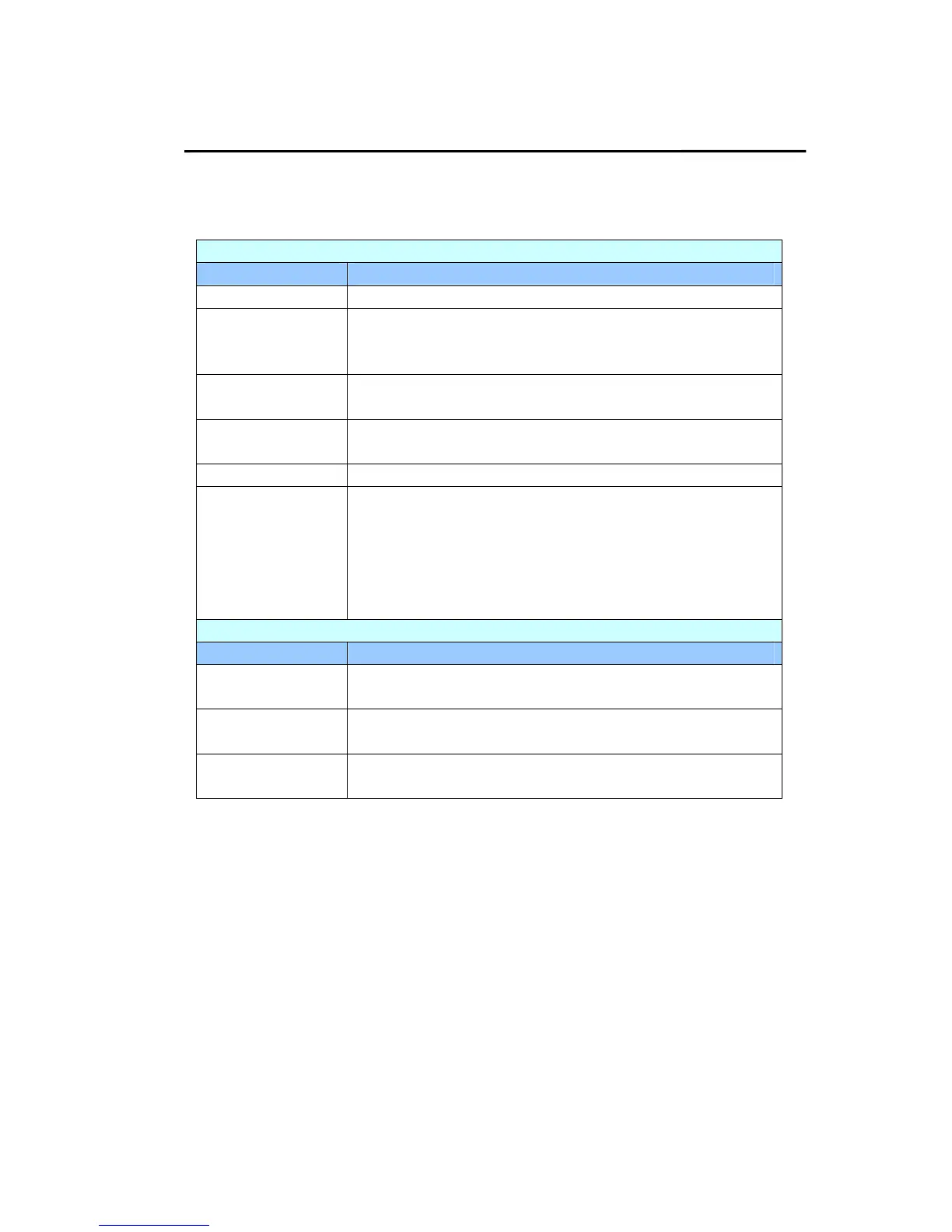
Summary of the Product’s Configurations
Information: Used to show the product’s basic information.
Scanner
Items Description
Model Name Used to show the product’s model name.
Host Name Used to show the product’s host name (Avision-xxxxxx) for
the scanner in a wired and wireless environment. Xxxxxx
indicates the last six digits of the scanner’s Mac address.
Serial Number Used to show the product’s current time. The time
format is 24-hour system.
Firmware
Version
Used to show the firmware version.
Born Date Used to show the manufacturing date.
Scan Count Scan Count including Reverse Roller Count, Pick-up and
Separation Roller Count, ADF Simplex Count, Multi-Feed
Count, and Paper Jam Count.
Reset Roller Count: Click this button to reset roller
count after roller has been replaced.
Network
Items Description
Wired Used to show the product’s IP and Mac address in a
wired network environment.
Wireless AP Used to show the IP and Mac address of the product’s
AP (Access Point) in a wireless network environment.
AP Mode Used to show the product’s SSID (network name) and
IP address in a wireless network environment.



 To Next Page