User’s Manual
2-3
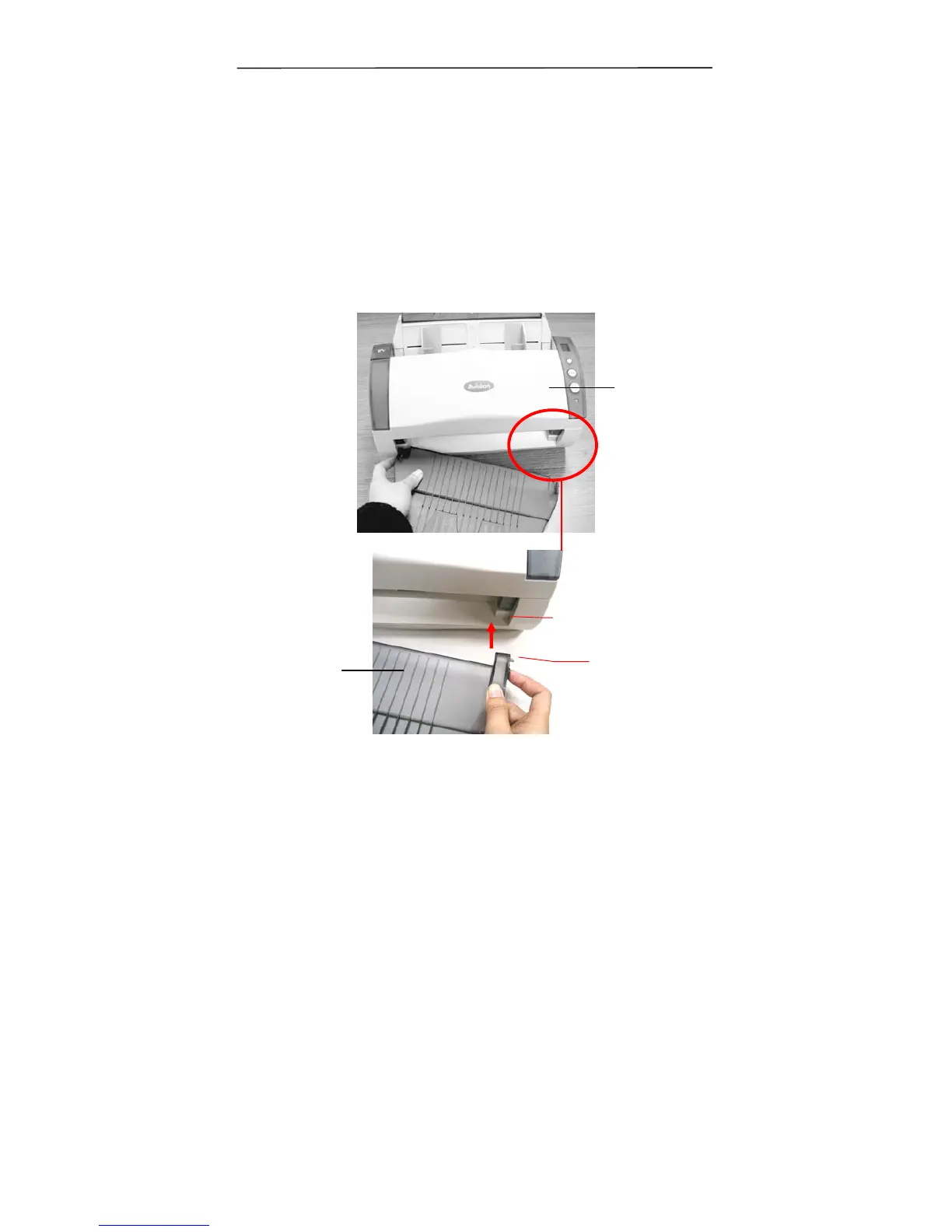
2.2 Installing the ADF Output Paper Tray
1. Hold the Output paper tray some 30 degrees as shown in
below.
2. Insert the right protrusion of the Output Paper Tray into
the hole on the front of the scanner.
3. Insert the left protrusion of the Output Paper Tray slightly
into the hole on the front of the scanner.
Scanner
protrusion
Output
Paper Tray
Hole



 To Next Page