User’s Manual
6-1
6. Using the Buttons
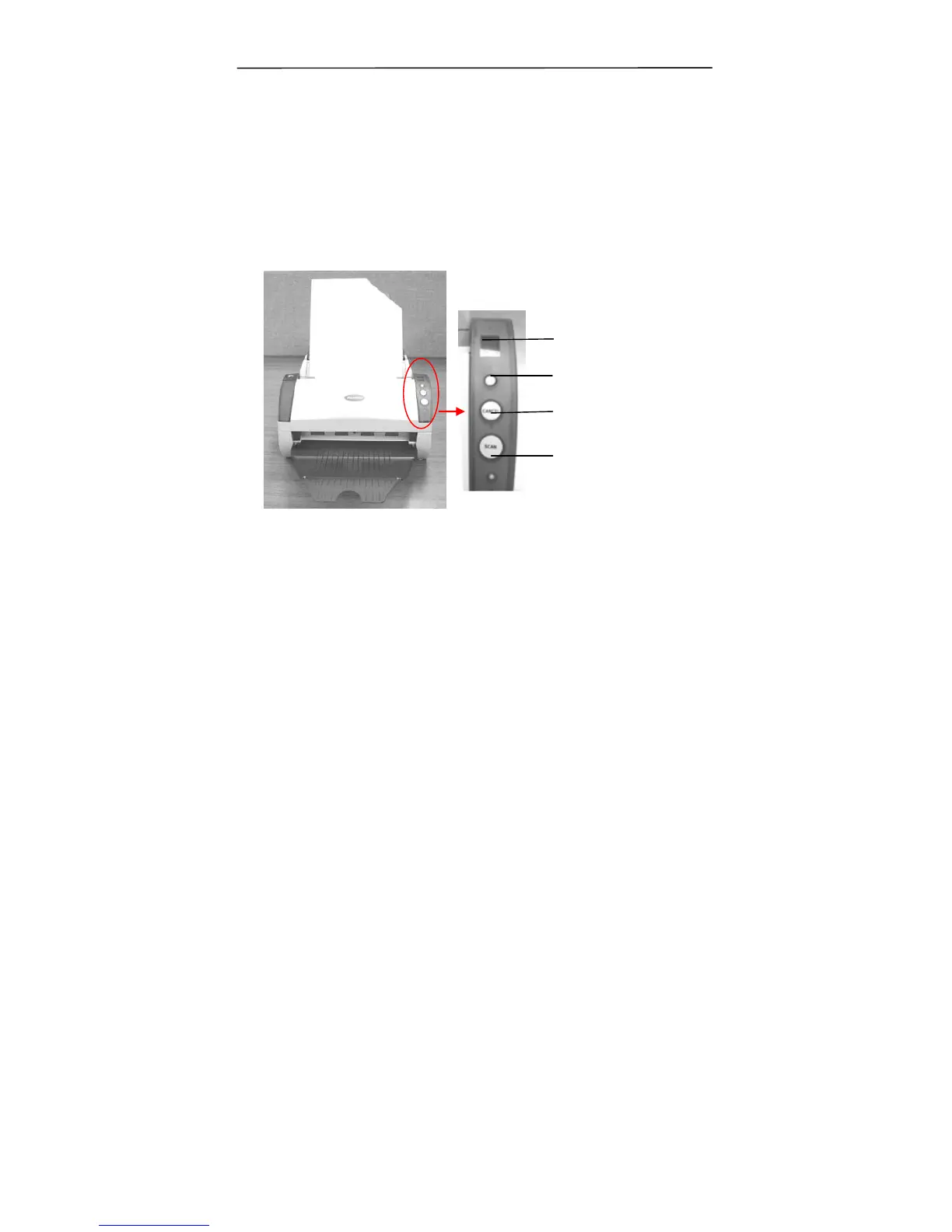
The following picture shows the 3 buttons and 1 function
screen on the scanner.
6.1 Installing Button Manager
To use the buttons on the scanner, you need to install the
Button Manager. To ensure the Button Manager work properly,
please FIRST install Button Manager before installing the
scanner driver.
Function Screen
Function-Select
Button
Cancel Button
Scan Button



 To Next Page