2-8
2.4.4 Connecting to Computer
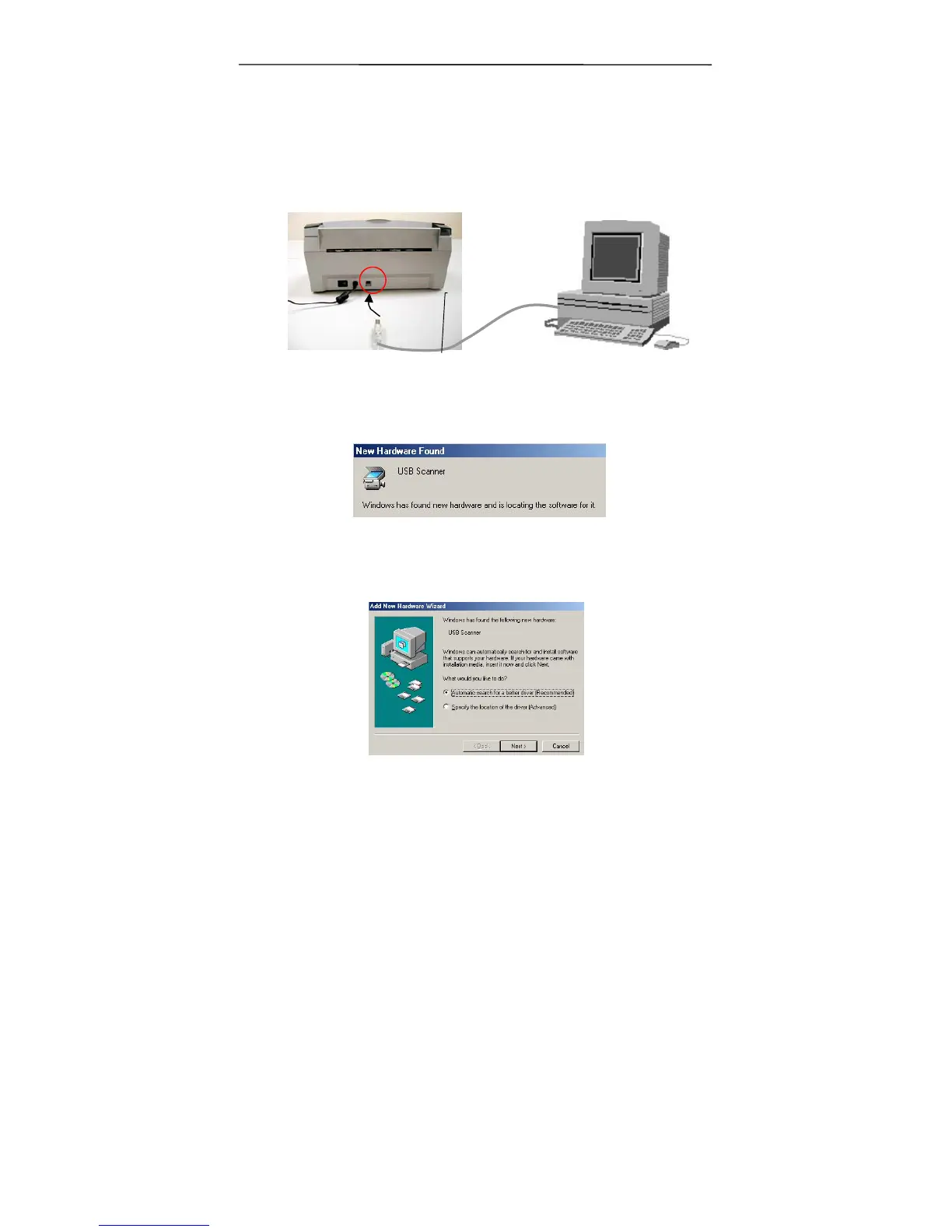
1. Connect the square end of the USB cable to the USB port of
your scanner. Connect the rectangle end to the USB port of
your computer.
2. The computer should detect a new USB device and prompt a
“New Hardware Found” message.
(Windows 9X/Windows ME)
3. In Windows 9X/Windows 2000 or Windows ME, confirm
that the “Search for a better driver.” is selected and
click the “Next” button.
USB cable



 To Next Page