2-4
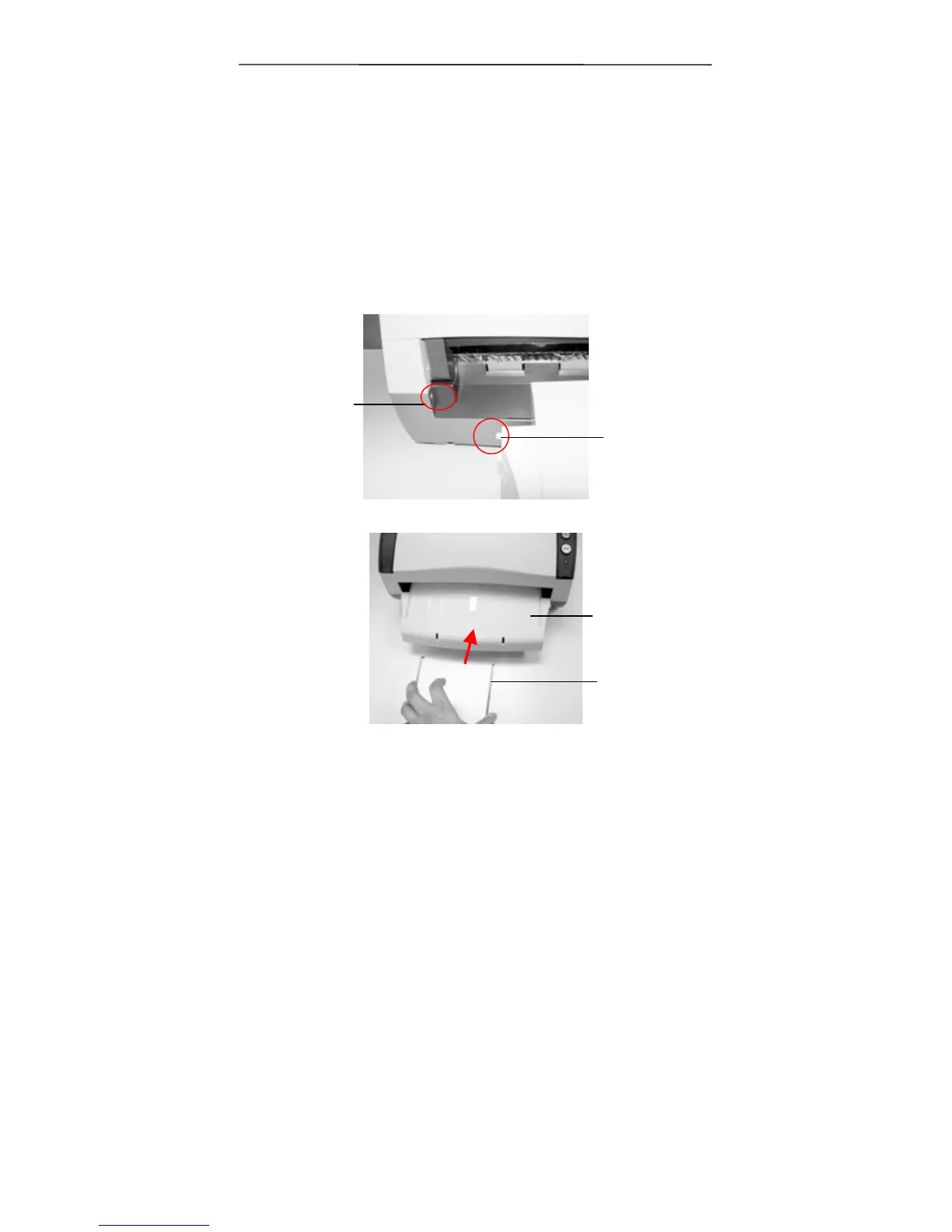
2.3 Installing Front Paper Tray
If you wish to feed paper from the front tray, please remove
the ADF output tray first and then install the front paper tray.
1. Insert the left protrusion of the front paper tray into the
hole on the front of the scanner.
2. Press the right protrusion to fit into the hole of the scanner.
3. Insert the extension wire to the front tray.
Hole
Protrusion
Front Tray
Extension
Wire



 To Next Page