User’s Manual
6. Using the Buttons
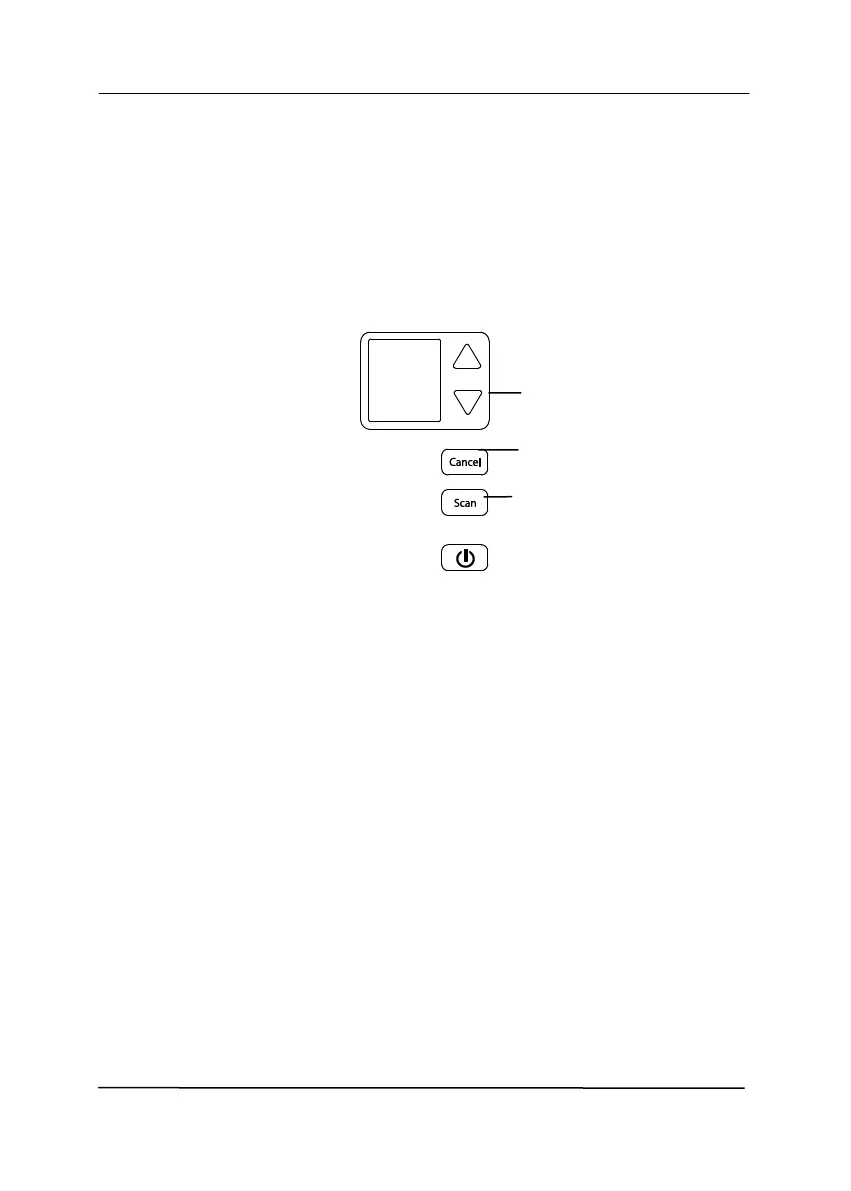
The following picture shows the 4 buttons and 1 function
screen on the scanner.
6.1 Installing Button Manager V2
Button Manager V2 provides you an easy way to scan your
document and then link the scanned image to your designated
software application. All this can be done by a simple touch of
the button on the scanner. Yet, before you scan, it is
recommended to check the button configurations first to ensure
a proper file format and a destination application.



 To Next Page