User’s Manual
7.5 Starting a Scan From Your Mobile Device
Make sure that the MB Application (Scan App) has been
installed on your mobile device. The MB Application can be
purchased for free from an application store such as Google Play.
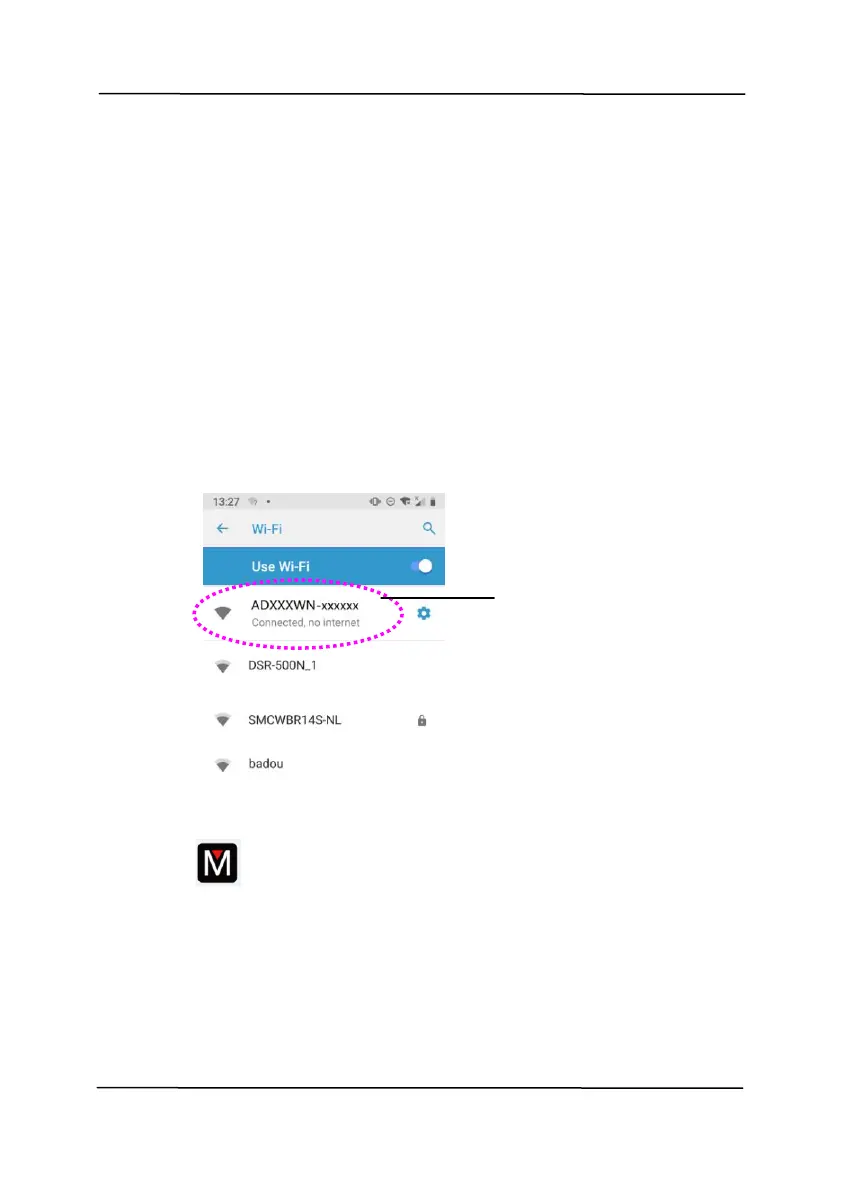
1. Enable [Wi-Fi] from [Settings] of your wireless computer,
smartphone, or tablet and then choose ADXXXWN–xxxxxx
(xxxxxx indicates the last six digits of the Mac Address at
the back of the scanner) to be your Wi-Fi network (SSID).
Or choose the access point your scanner has been
connected through WPS connection.
2. Starting MB App by taping [Applications] and then the MB
icon on your mobile device. The mobile device begins
searching the available scanner in the wireless network.
In a second, the main screen will be displayed if scanner
has been found successfully.



 To Next Page