User’s Manual
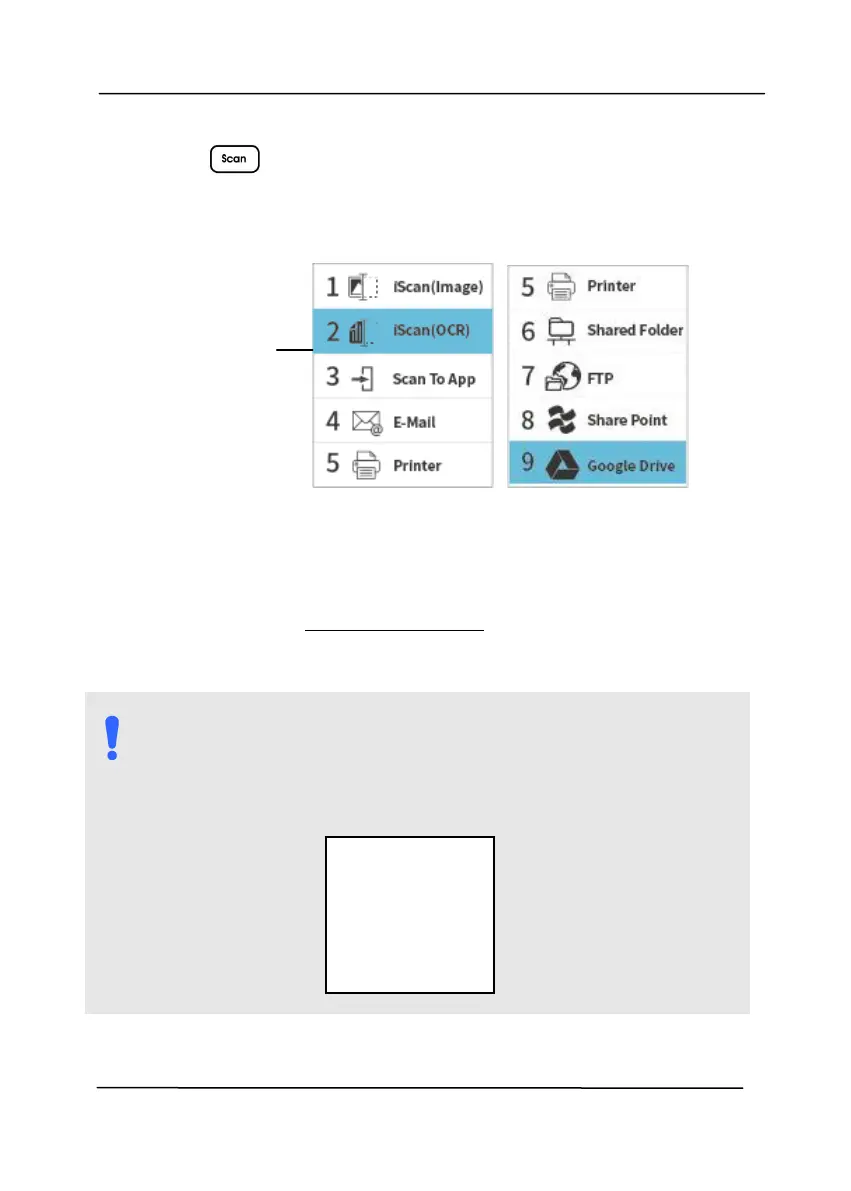
3. Press (OK), the following Button Manager panel will
be displayed. Use the Arrow key to select your desired
button no. or destination. Up to 9 destinations can be
selected.
4. Press the Scan button, the paper starts feeding into the
scanner and the scanned image will be sent to your
specified destination.
Refer to chapter 6 – Using the Buttons on how to press the
button to complete a scan.
NOTE:
Please note the USB mode and LAN mode can not be
used at the same time.
The following error will be prompted if Button Manager
has not been opened.
Indicates
Button # and
Button Name
Error!
Please open
Button
Manager V2!



 To Next Page