Fixed Processing: Used for black-and-
white and other high contrast documents. A
single level is set to determine the black-
and-white transition. The threshold is
programmable over the entire density
range. Fixed Processing sets Contrast to
0. If Fixed Processing is selected,
Contrast is not available.
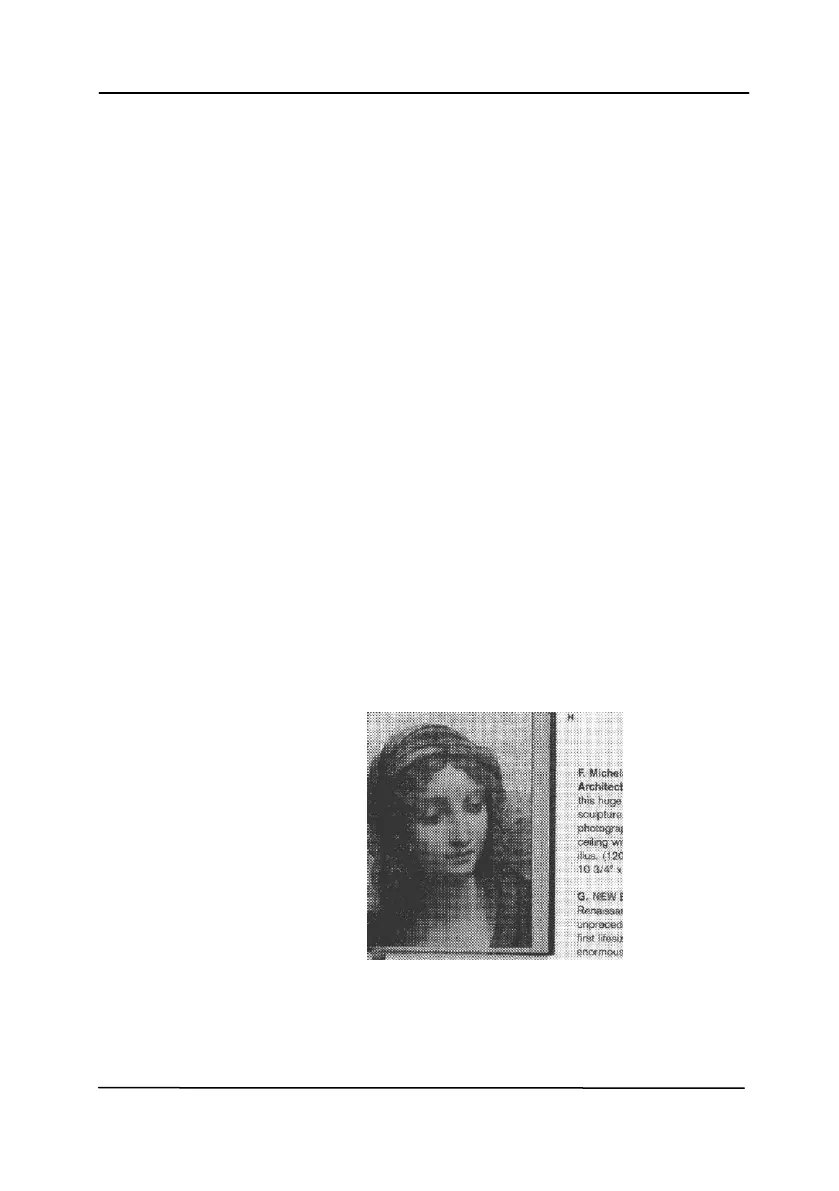
Halftone: In addition to the black and
white display, Halftone can present a
somehow gray shade of image by using
different size of dots. Halftone image looks
like the picture we have seen in the
newspaper. Options include Halftone 1,
Halftone 2, Halftone 3, Halftone 4,
Halftone 5.
Error Diffusion: Error Diffusion is a type of
Halftone. Error Diffusion gives good image
texture and makes text in images more
readable than Halftone.
Halftone Image



 To Next Page