35
© 2008 Directed Electronics. All rights reserved.
Step Function
1
Auto Learn Standard Configuration (default)
The auto learn configuration will automatically setup the remote
button configuration. Note: Due to the Supercode protocol, you
cannot change the configuration.
2
Delete remotes: This feature will erase all remotes from the memory
of the system. This is useful in cases when a customer’s remote is
lost or stolen. Note: Does not reset the programmed features of the
system or reset the Virtual Tach setting.
3
Reset Features: This resets all the features of the system to the fac-
tory default settings. Note: Does not delete the remotes from the
system or reset the Virtual Tach setting.
4
Virtual Tach Reset: Deletes all previously learned values for Virtual
Tach, and on the next remote start sequence the unit will begin
virtual tach initialization.Note: The “Zap” feature on the Bitwriter
does not reset the Virtual tach setting.
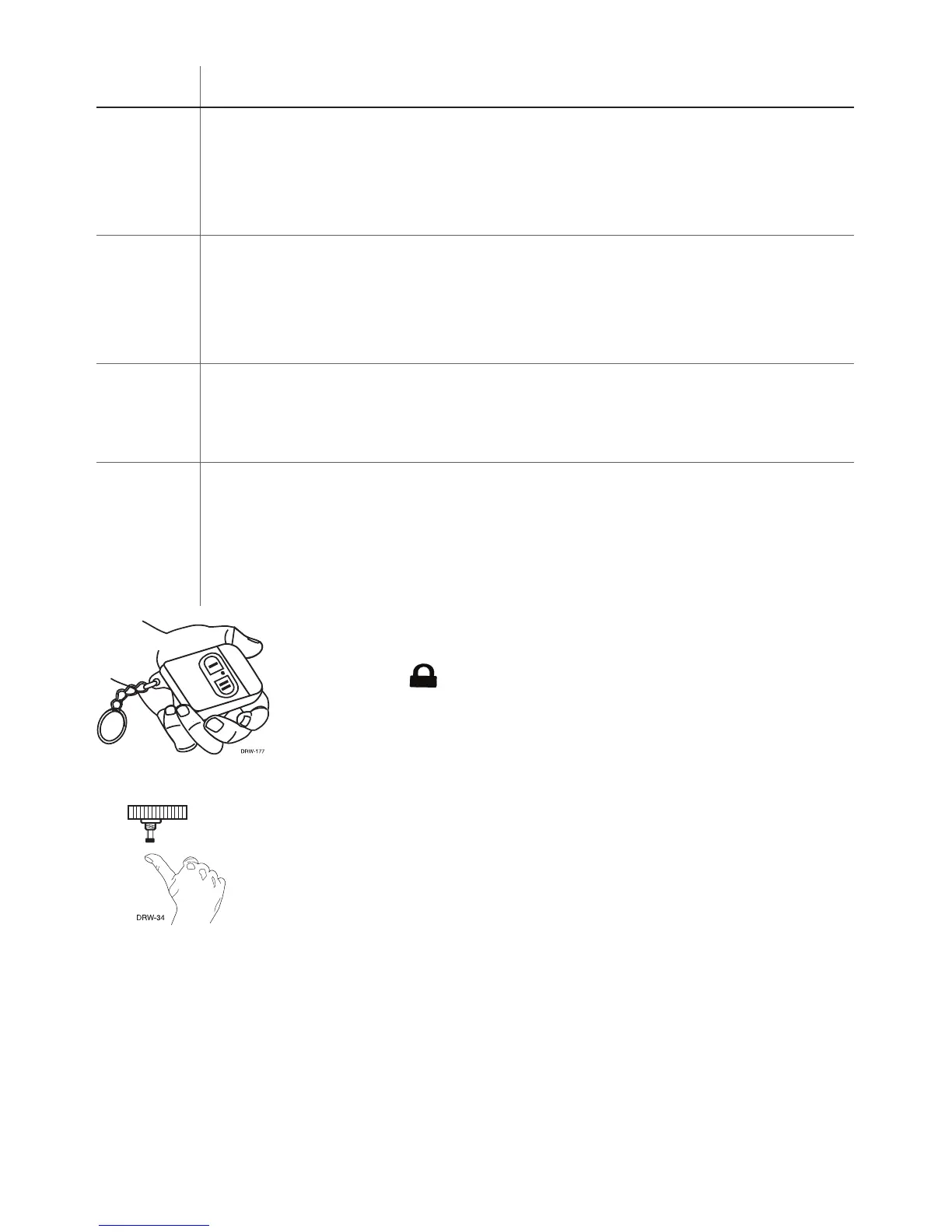
4.Transmit. While holding the Valet/Program switch,
press the button on the remote control. The horn
honks to confirm that the code has been success-
fully programmed. It is not possible to teach a re-
mote control button to the system more than once.
5. Release. Once the code is learned, the Valet/Program
switch can be released.
You can advance from programming one channel to an-
other by releasing the Valet/Program switch and tapping
it to advance channels and then holding it.



 To Next Page