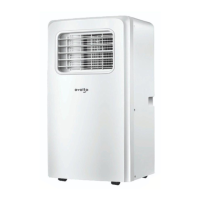
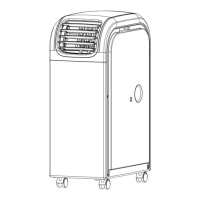
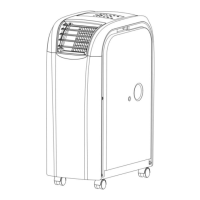
After unpacking, please check whether the above-mentioned accessories are included, and
check their purposes in the installation introduction in this manual.
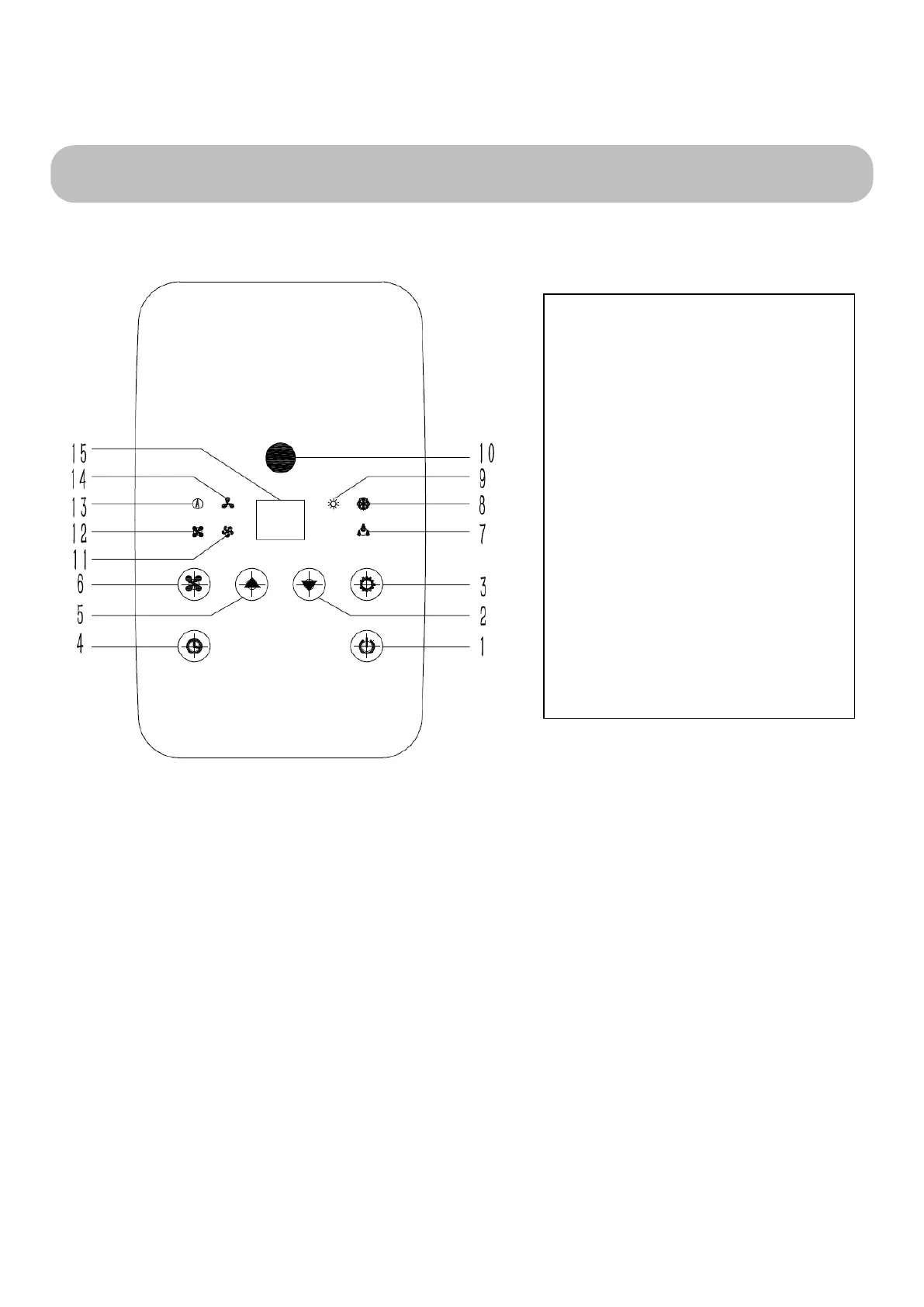
4. Control Panel & Description of Function
1. POWER KEY
Press to turn unit "ON" or "OFF".
2. TEMP- (DOWN)
In the cooling function, each press the temperature key, set the temperature to reduce 1 ℃.
In the heating function, each press the temperature key, set the temperature to reduce 1 ℃.
3. SPEED
Press to select either LOW, MEDIUM, HIGH or Auto fan speed. In Auto mode, when the room
temperature is higher than the set temperature by 3 ℃ above, the machine will work with the largest
cooling capacity; When the room temperature is below the set temperature by 3 ℃, the machine will
be the most uniform ability to run;When the indoor temperature is equal to the setting temperature,
4. Control Panel & Description of Function
1. POWER
2. TEMP-
3. MODE
4. TIMER
5. TEMP+
6. SPEED
7. DEHUMIDIFY
8. COOL
9. HEAT INDICATOR
10. Connector window
11.MID FAN
12.HIGH FAN
13.AUTO
14.LOW FAN
15.LED DISPLAY



 To Next Page