AVTECH Software, Inc. Page 7 AVTECH.com
Room Alert S Models (RA32S-DAP-RAS & RA12S-DAP-RAS)
How To Install Your Room Alert S Model
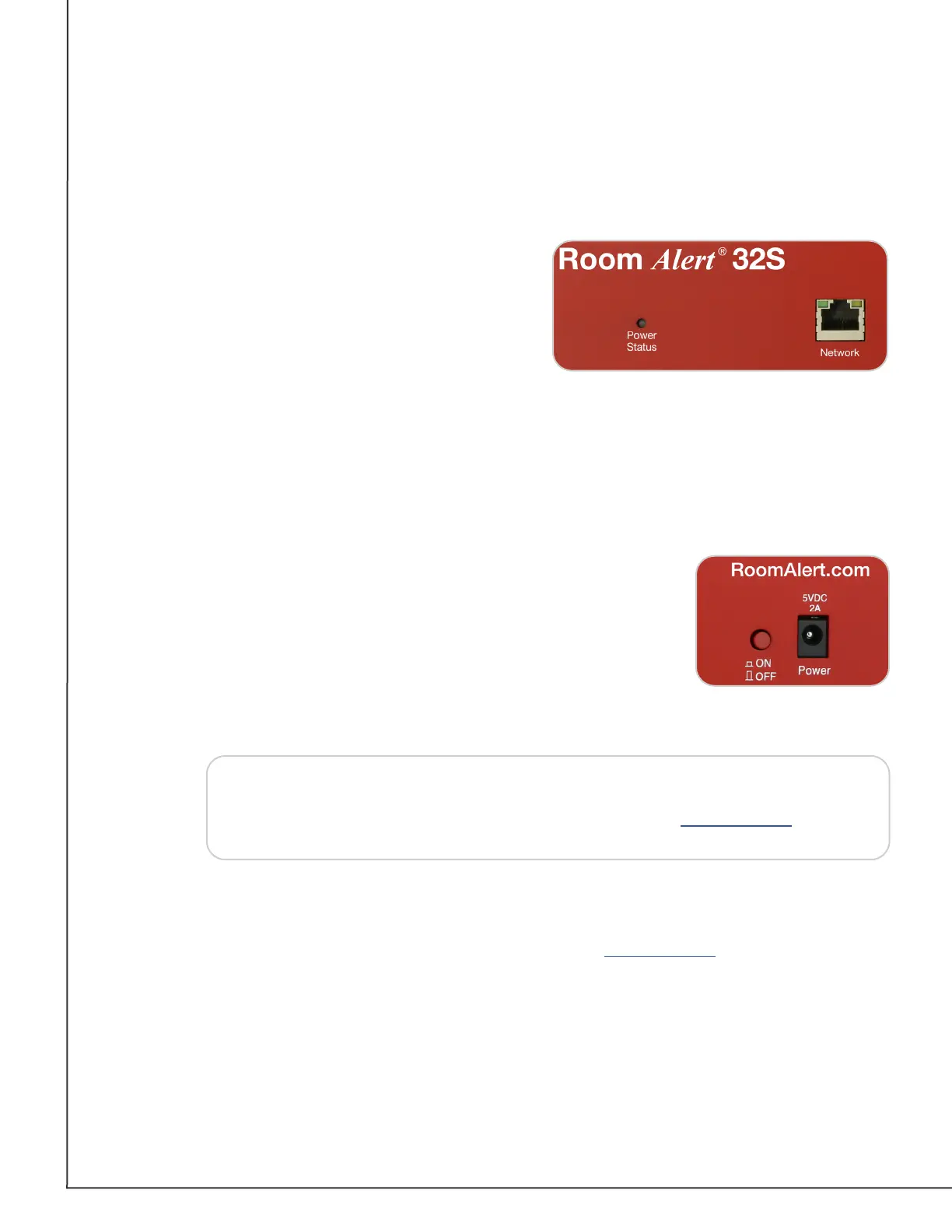
Connect Your Room Alert Hardware
If Your Network Is Power Over Ethernet (PoE) Enabled
• Connect one end of a standard Ethernet cable to
the Room Alert’s Ethernet port.
• Connect the other end to a PoE-enabled network
jack.
That’s it! Your Room Alert is now powered and
discoverable on your network.
If Your Network Is Not Power Over Ethernet (PoE) Enabled
A. Connect To Your Network First
• Connect one end of a standard Ethernet cable to the Room Alert Ethernet port.
• Connect the other end to a network jack.
B. Then Connect To A Power Source
• Plug one end of AVTECH’s 5V 1A Power Adapter into the Room
Alert power port.
• Plug the other end into a surge-protected power source.
Your Room Alert is now powered and discoverable on your network!
NOTE
Connect Included External Sensors And Other Compatible Components
Please install included external sensors and any other compatible components you may have
purchased according to their Installation Notes, available at AVTECH.com.
Use only AVTECH’s 5V 1A Power Adapter. Other voltages could damage the
Room Alert hardware and void your warranty. If you don’t have an AVTECH
5V 1A Power Adapter, please visit our online store at AVTECH.com
to acquire one. Models are available for all countries.
AVT-200701-1.1.0



 To Next Page
 Loading...