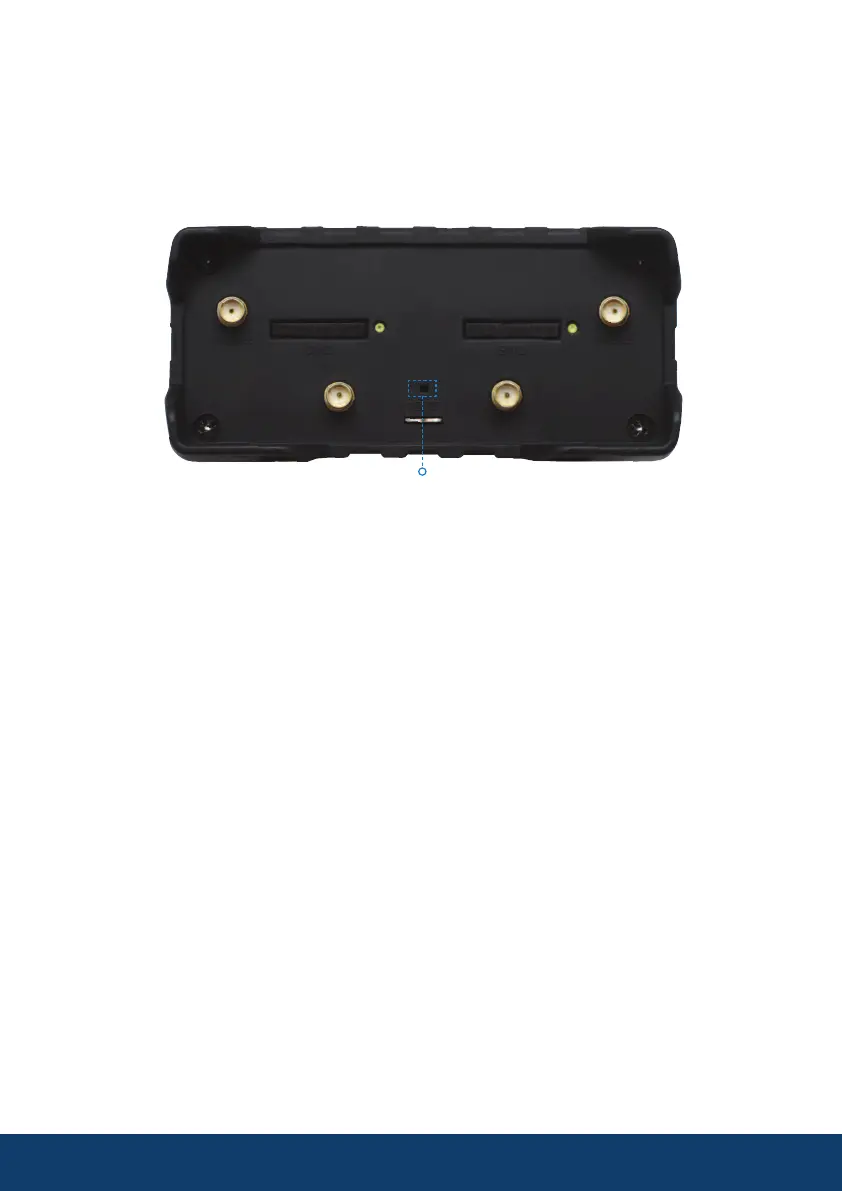
AMR985 Re-boot / Factory Reset
Using the Reset button with the SIM pin if required the AMR985 can be
re-booted or totally reset and all settings can be restored to the factory
settings, this will reset SSID to original and all passwords to the values listed
on the external of the device.
19
The reset button has two functions
The reset button has two functions:
• Reboot the device. If the reset button is pressed for up to 4 seconds, the
device will reboot. Start of the reboot will be indicated by the flashing of all
5 signal strength LEDs together with the green connection status LED.
• Factory reset. If the reset button is pressed for at least 5 seconds (by
default), the device will perform a factory reset and reboot. Signal strength
LEDs indicate the elapsed time while holding the reset button. When all 5
LEDs light up, it indicates that 5 seconds have passed and the reset button
can be released. Start of the factory reset will be indicated by flashing of all
5 together with a red connection status LED.
After reboot or factory restore allow up to 3 minutes before the AMR985 is
once again visible as a WiFi network
It is suggested the router is fully powered down when not in use for a period
of time.



 To Next Page