TrueBrake Installation Manual v1.0 - November 2019
© Aeroxcraft Ltd 2019
AXC Logo is registered trademark of Aeroxcraft Ltd. Logitech the Logitech logo and other Logitech marks are owned by Logitech and may be
registered.
*Aeroxcraft Ltd will not be held responsible for any damage to your Logitech pedals or steering wheel.
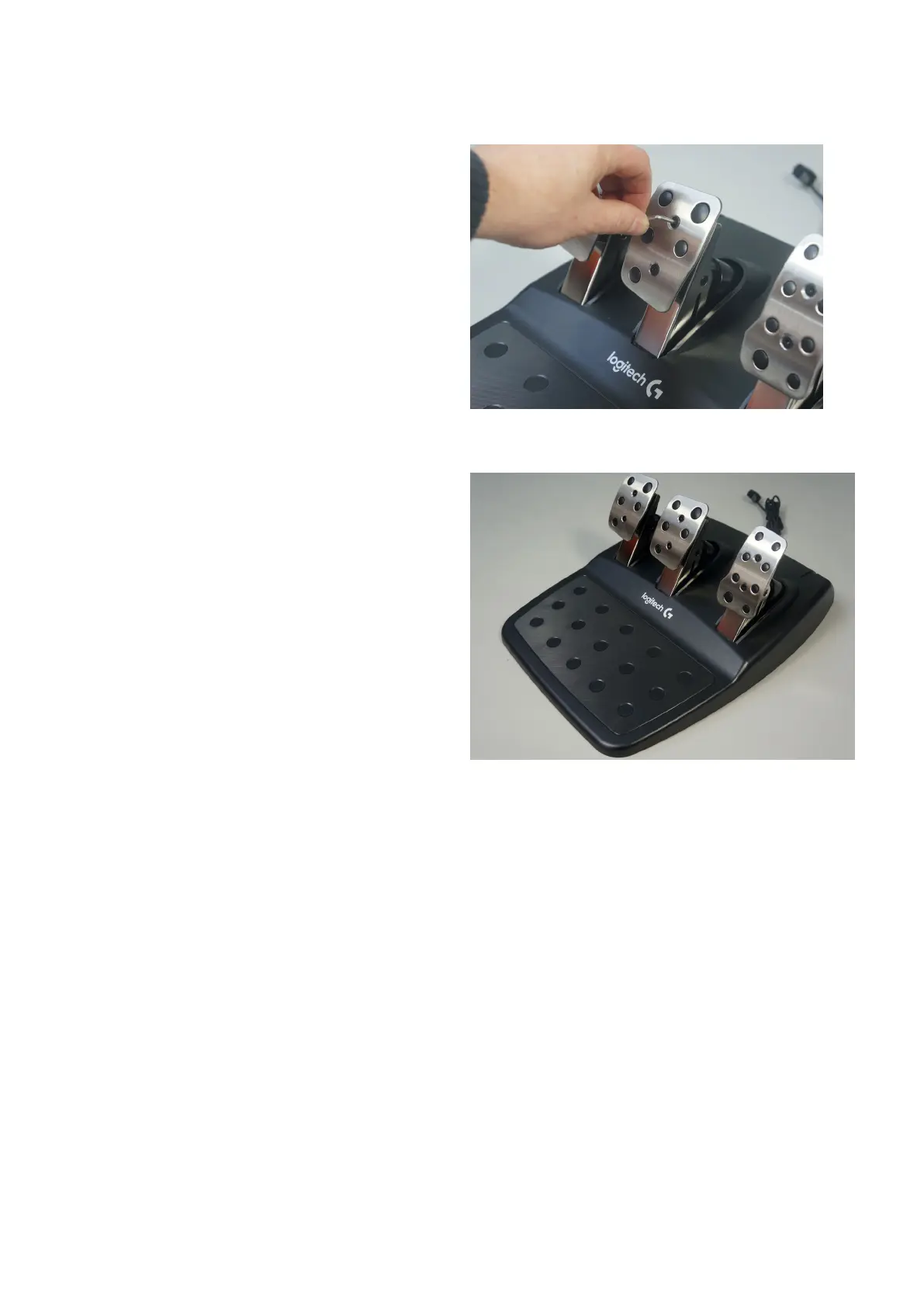
Step 9 – Replace Brake Pedal Foot Pad
Make sure your steering wheel is powered off and
disconnected from your games console/PC.
Connect the pedals to the steering wheel.
When your steering wheel powers up and is connected
to a console/PC it will recalibrate the zero position of
the
pedal.
Check the operation of the pedal.
If you need assistance, please don’t hesitate to get in
touch.



 To Previous Page