TrueBrake Installation Manual v1.0 - November 2019
© Aeroxcraft Ltd 2019
AXC Logo is registered trademark of Aeroxcraft Ltd. Logitech the Logitech logo and other Logitech marks are owned by Logitech and may be
registered.
*Aeroxcraft Ltd will not be held responsible for any damage to your Logitech pedals or steering wheel.
We recommend you read these instructions in full
before starting to
install TrueBrake.*
Make sure you have all the correct tools
before
during disassembly that you
-assembling the pedals.
-tighten screws as you can strip the
If you are under 18 years old seek the help of a
responsible and competent adult
.
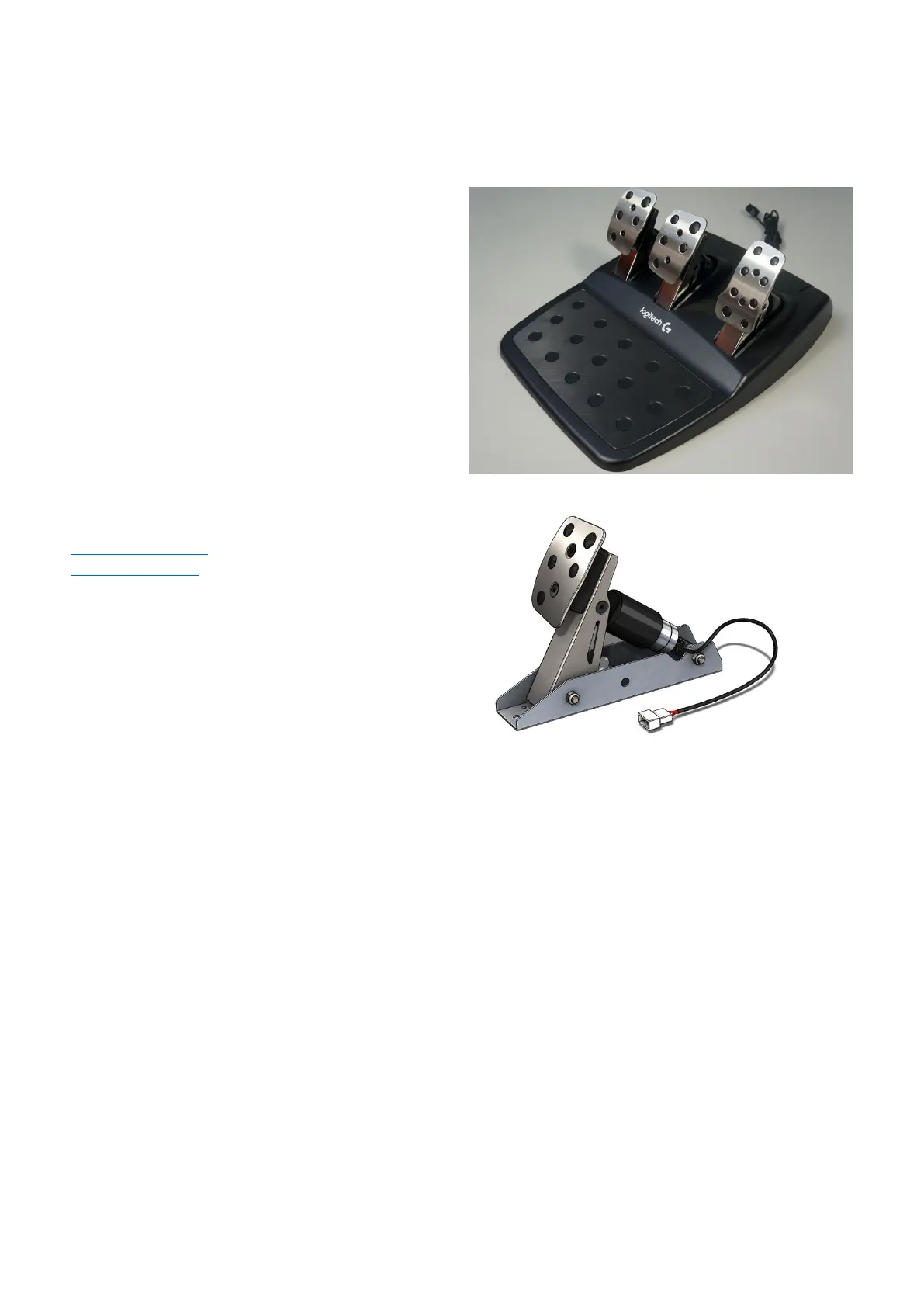
Logitech G29 / G920 Pedals
If you need any assistance please contact us at
drive@axc
-sim.com or contact us via our website at
-sim.com.
Logitech Brake Pedal Unit with TrueBrake installed
• 2.5mm and 5mm allen hex keys
• No.1 and No.2 Phillips screwdrivers
• 10mm spanner or adjustable wrench
•



 To Next Page