TrueBrake Installation Manual v1.0 - November 2019
© Aeroxcraft Ltd 2019
AXC Logo is registered trademark of Aeroxcraft Ltd. Logitech the Logitech logo and other Logitech marks are owned by Logitech and may be
registered.
*Aeroxcraft Ltd will not be held responsible for any damage to your Logitech pedals or steering wheel.
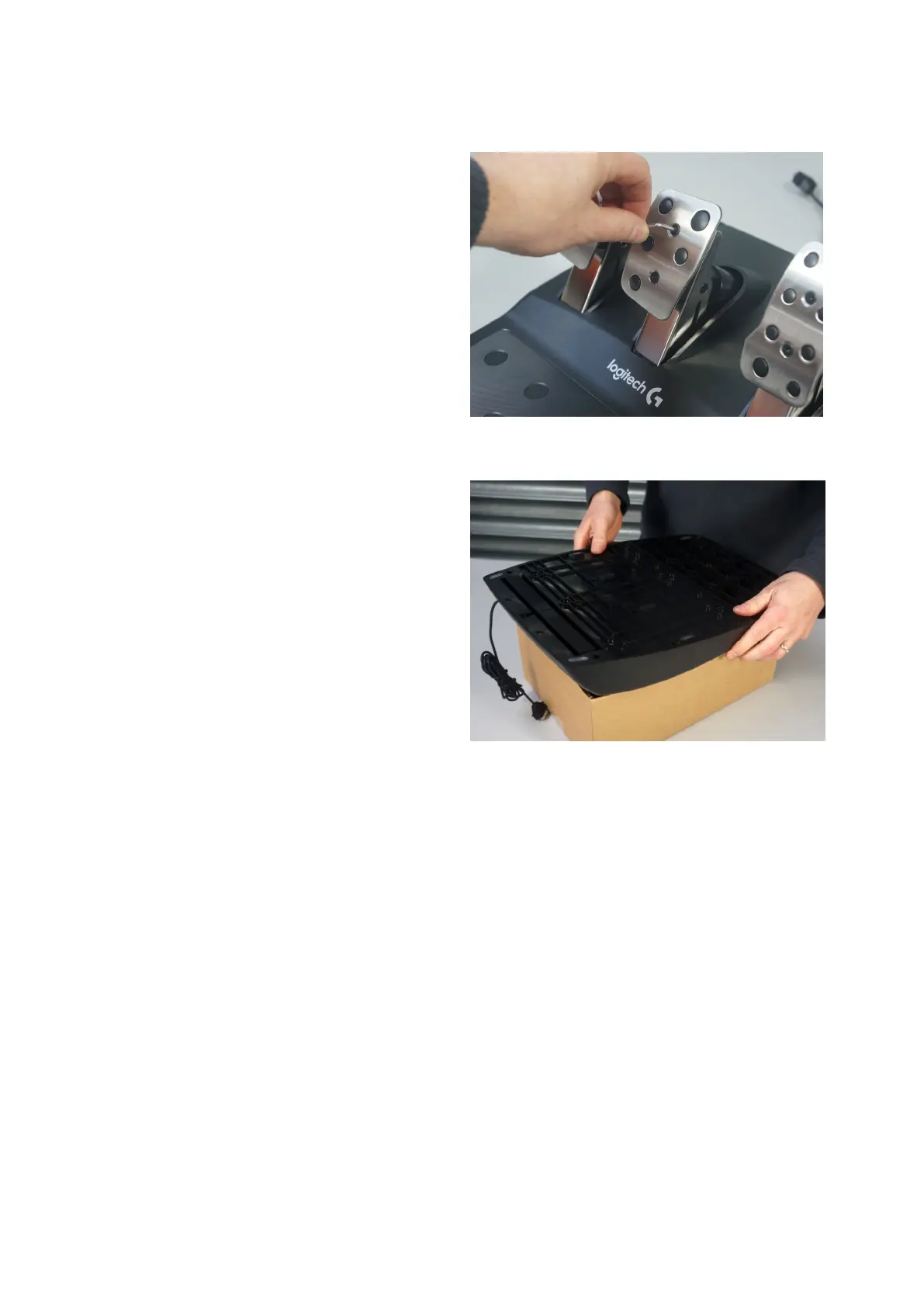
Take out the 2 hex screws on the brake pedal foot pad.
Remove the foot pad from the brake pedal.
The clutch and accelerator foot pads can remain in
place.
Step 2 – Support the pedal assembly
Use a suitable cardboard box to support the main
pedal
assembly whilst working on the underside of the
Missing this step out makes it much more difficult
to work on the inside of the pedal assembly.



 To Next Page